EasyManua.ls Logo

Sony IT-ID80 - Caller ID Features; Understanding Caller ID Service and Memory Match

Sony IT-ID80
55 pages
Print Icon
To Next Page IconTo Next Page
To Previous Page IconTo Previous Page
Loading...
1
6%
Caller
ID
Features
Understanding
the
Caller
ID
service
Caller
[D
allows
the
caller’s
phone
number
to
be
shown
on
the
display
before
you
answer
the
call.
In
order
to
use
this
feature,
you
must
first
subscribe
to
Call
ID
service.
The
name
of
this
service
may
vary
depending
on
your
telephone
company.
To
use
this
feature,
be
sure
to
enter
your
area
code
(see
page
10).
When
you
receive
a
call
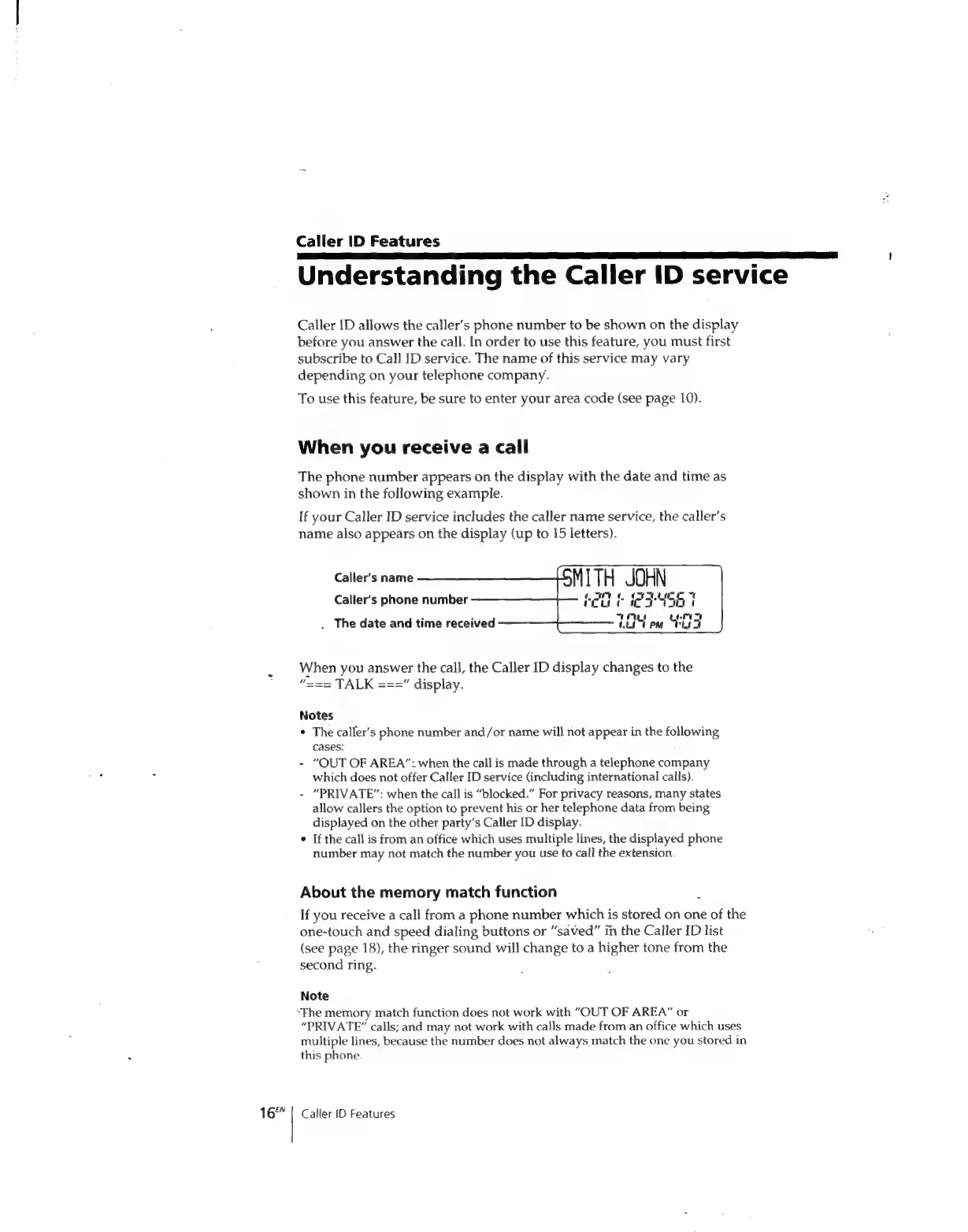
The
phone
number
appears
on
the
display
with
the
date
and
time
as
shown
in
the
following
example.
If
your
Caller
ID
service
includes
the
caller
name
service,
the
caller’s
name
also
appears
on
the
display
(up
to
15
letters).
MITH
JOHN
ian
ae
a
Pa
Be
I“
COLE
oO
ITH
a
|
CFO
we
PM
aa
Caller’s
name
Caller’s
phone
number
.
The
date
and
time
received
When
you
answer
the
call,
the
Caller
ID
display
changes
to
the
“===
TALK
===”
display.
Notes
¢
The
caller’s
phone
number
and/or
name
wil}
not
appear
in
the
following
cases:
-
“OUT
OF
AREA”:
when
the
call
is
made
through
a
telephone
company
which
does
not
offer
Caller
ID
service
(including
international
calls).
-
“PRIVATE”:
when
the
call
is
“blocked.”
For
privacy
reasons,
many
states
allow
callers
the
option
to
prevent
his
or
her
telephone
data
from
being
displayed
on
the
other
party’s
Caller
ID
display.
If
the
call
is
from
an
office
which
uses
multiple
lines,
the
displayed
phone
number
may
not
match
the
number
you
use
to
call
the
extension.
About
the
memory
match
function
If
you
receive
a
call
from
a
phone
number
which
is
stored
on
one
of
the
one-touch
and
speed
dialing
buttons
or
“saved”
in
the
Caller
ID
list
(see
page
18),
the
ringer
sound
will
change
to
a
higher
tone
from
the
second
ring.
Note
“Fhe
memory
match
function
does
not
work
with
“OUT
OF
AREA”
or
“PRIVATE”
calls;
and
may
not
work
with
calls
made
from
an
office
which
uses
multiple
lines,
because
the
number
does
not
always
match
the
one
you
stored
in
this
phone.
Caller
{0
Features

Related product manuals