EasyManua.ls Logo

Sony IT-ID80 - Using the Caller ID List; Calling Back from the Caller ID List

Sony IT-ID80
55 pages
Print Icon
To Next Page IconTo Next Page
To Previous Page IconTo Previous Page
Loading...
20°"
Using
the
Caller
ID
list
By
using
the
Caller
ID
list,
you
can
call
back
a
phone
number
from
the
Caller
ID
list
easily.
or
store
numbers
from
the
Caller
ID
list
into
memory
dialing
keys.
Calling
back
a
number
from
the
Caller
ID
list
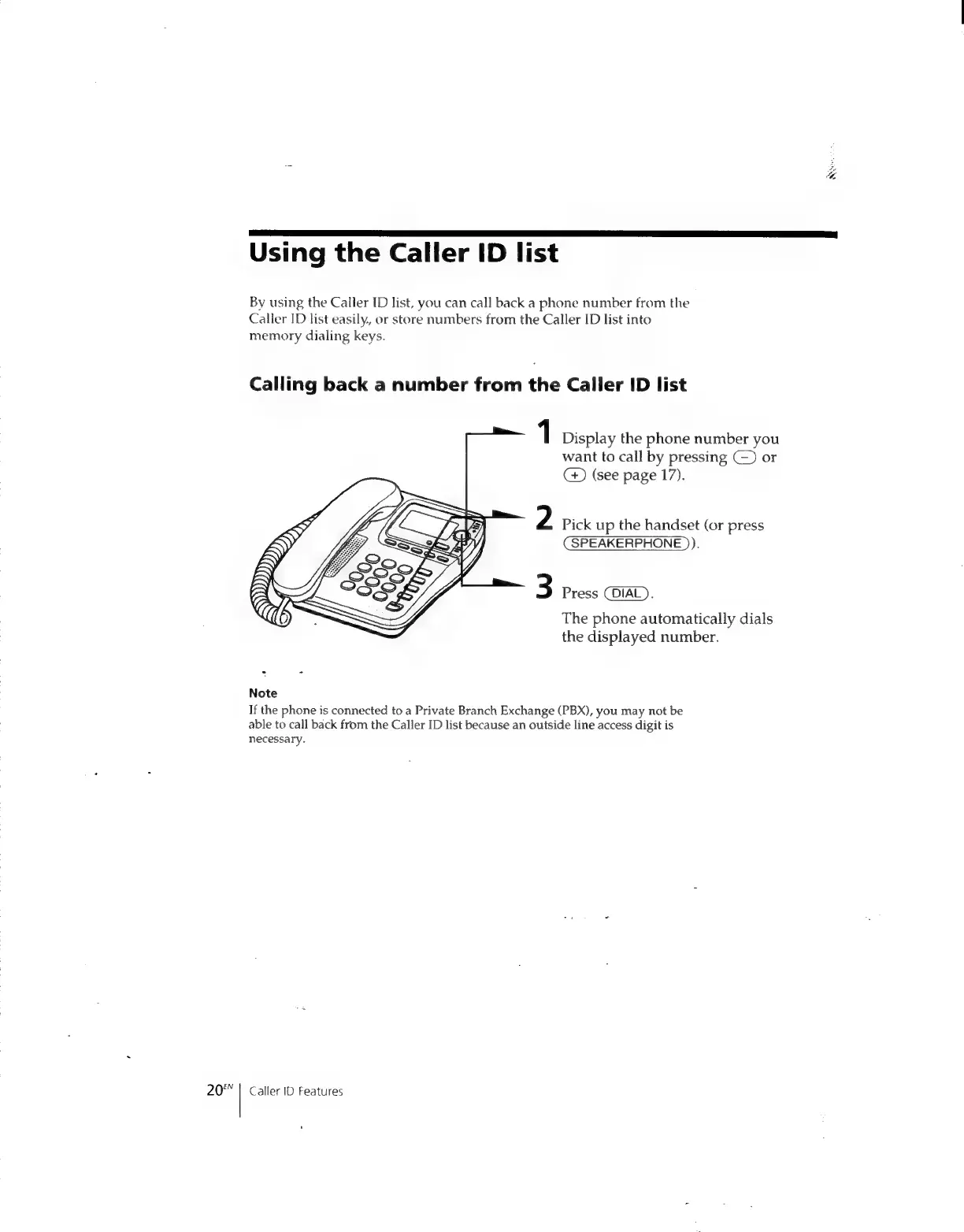
1
Display
the
phone
number
you
want
to
call
by
pressing
(~)
or
CG)
(see
page
17).
2
Pick
up
the
handset
(or
press
(SPEAKERPHONE
)).
3
Press
(DIAL).
The
phone
automatically
dials
the
displayed
number.
Note
If
the
phone
is
connected
to
a
Private
Branch
Exchange
(PBX),
you
may
not
be
able
to
call
back
from
the
Caller
ID
list
because
an
outside
line
access
digit
is
necessary.
Caller
ID
Features
+

Related product manuals