EasyManua.ls Logo

Sony IT-ID80 - Page 19

Sony IT-ID80
55 pages
Print Icon
To Next Page IconTo Next Page
To Previous Page IconTo Previous Page
Loading...
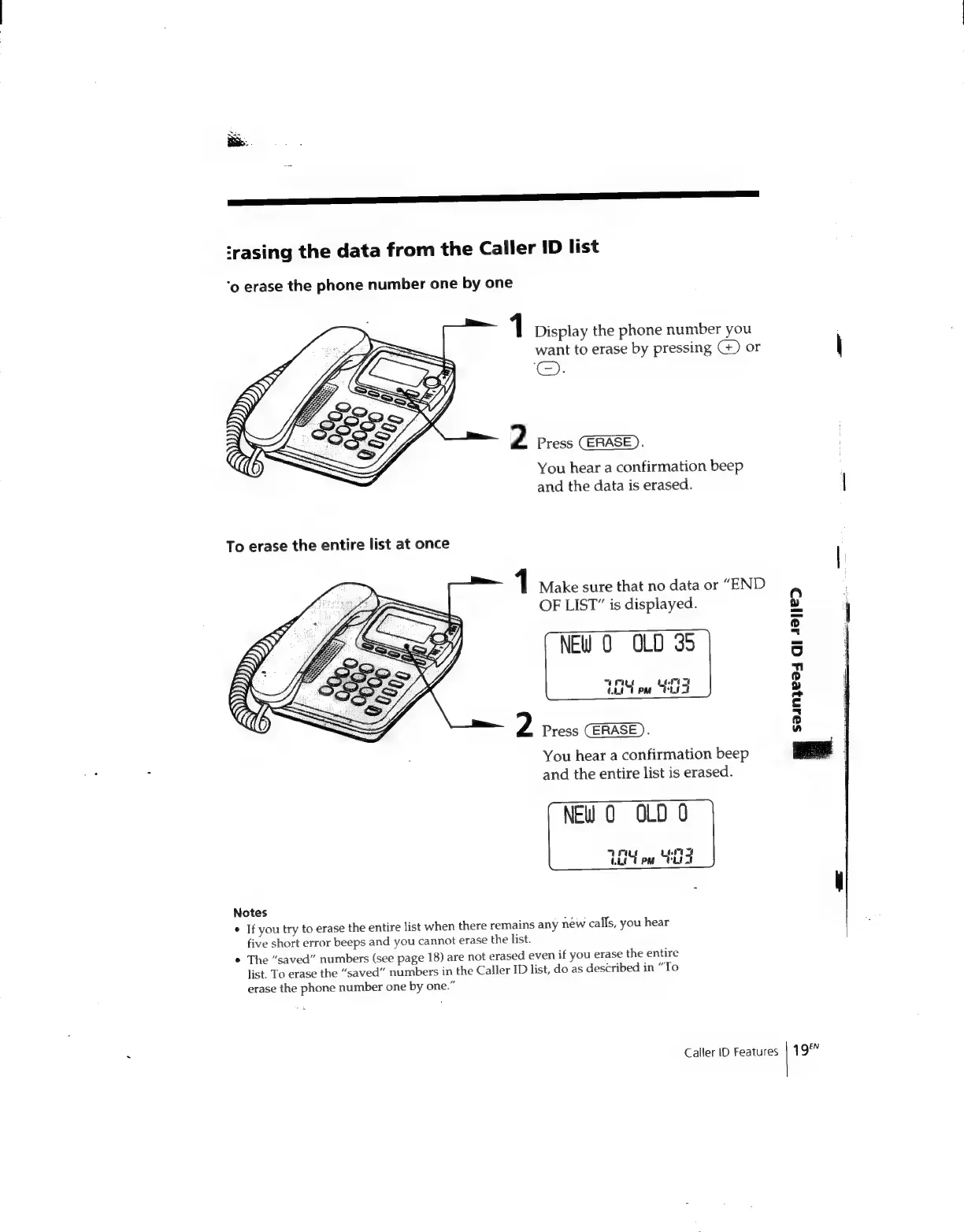
‘rasing
the
data
from
the
Caller
ID
list
‘o
erase
the
phone
number
one
by
one
1
Display
the
phone
number
you
want
to
erase
by
pressing
G)
or
\
©).
2
Press
:
You
hear
a
confirmation
beep
and
the
data
is
erased.
|
1
Make
sure
that
no
data
or
“END
OF
LIST”
is
displayed.
NEW
O
OLD
35
“ras
147
CL07
PM
CLEA
2
Press
CERASE
).
You
hear
a
confirmation
beep
and
the
entire
list
is
erased.
NEw
0
OLD
0
TY
ew
St
4
$a1n}ea4
GI
42]/&D
Notes
*
If
you
try
to
erase
the
entire
list
when
there
remains
any
new
calls,
you
hear
five
short
error
beeps
and
you
cannot
erase
the
list.
*
The
“saved”
numbers
(see
page
18)
are
not
erased
even
if
you
erase
the
entire
list.
To
erase
the
“saved”
numbers
in
the
Caller
ID
list,
do
as
described
in
“To
erase
the
phone
number
one
by
one.”
Caller
ID
Features
|
19°

Related product manuals