EasyManua.ls Logo

Sony IT-ID80 - Using Caller ID with Call Waiting Service; Switching Between Callers

Sony IT-ID80
55 pages
Print Icon
To Next Page IconTo Next Page
To Previous Page IconTo Previous Page
Loading...
aTFN
Le
Using
“Caller
ID
with
call
waiting”
service
This
telephone
is
compatible
with
the
“Caller
ID
with
call
waiting”
service.
Make
sure
that
your
telephone
company
offers
this
service.
Like
the
basic
Caller
ID
service,
you
need
to
subscribe
to
“Caller
ID
with
call
waiting”
in
order
to
use
this
service.
Even
though
you
may
have
already
subscribed
to
“Caller
ID”
and
“call
waiting”
as
two
separate
services,
you
need
to
request
a
subscription
to
“Caller
ID
with
call
waiting”
as
a
single
service.
This
is
a
new
service
that
combines
the
two
services.
Even
though
you
now
have
a
“Caller
ID
with
call
waiting”
compatible
phone,
unless
you
subscribe
to
the
combined
“Caller
ID
with
call
waiting”
service,
you
will
not
be
able
to
see
the
name
and
number
of
the
second
caller.
When
a
new
call
comes
in
while
you
are
talking,
“CALL
WAITING”
appears
on
the
display
and
then
the
caller’s
name
and/or
phone
number
of
the
new
call
appears
on
the
display
for
about
20
seconds.
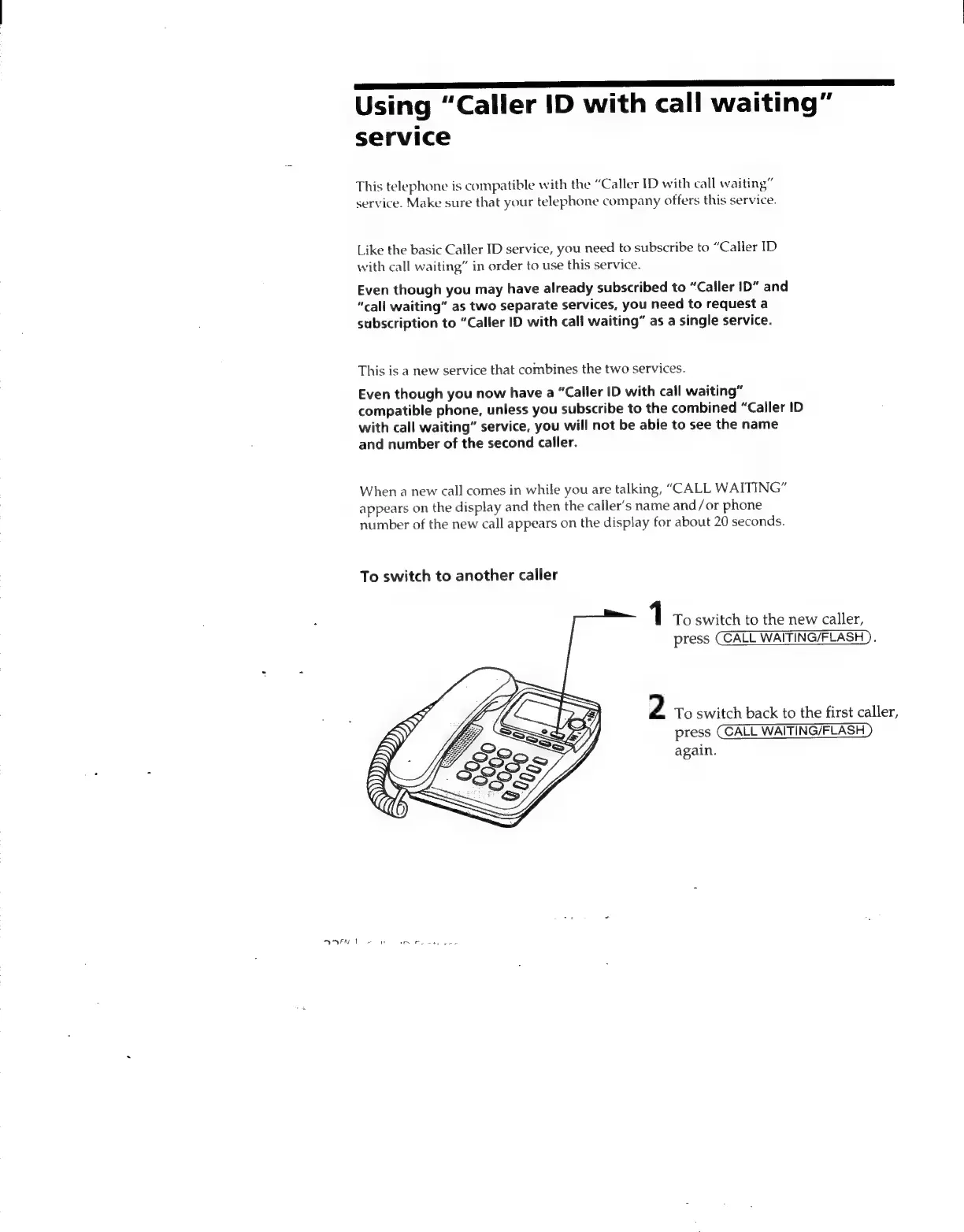
To
switch
to
another
caller
1
To
switch
to
the
new
caller,
press
CALL
WAITING/FLASH
).
2
To
switch
back
to
the
first
caller,
press
(CALL
WAITING/FLASH
)
again.

Related product manuals