Getting Started
24
US
Changing the display language
You can choose English or Spanish as the display language by
following the procedure below.
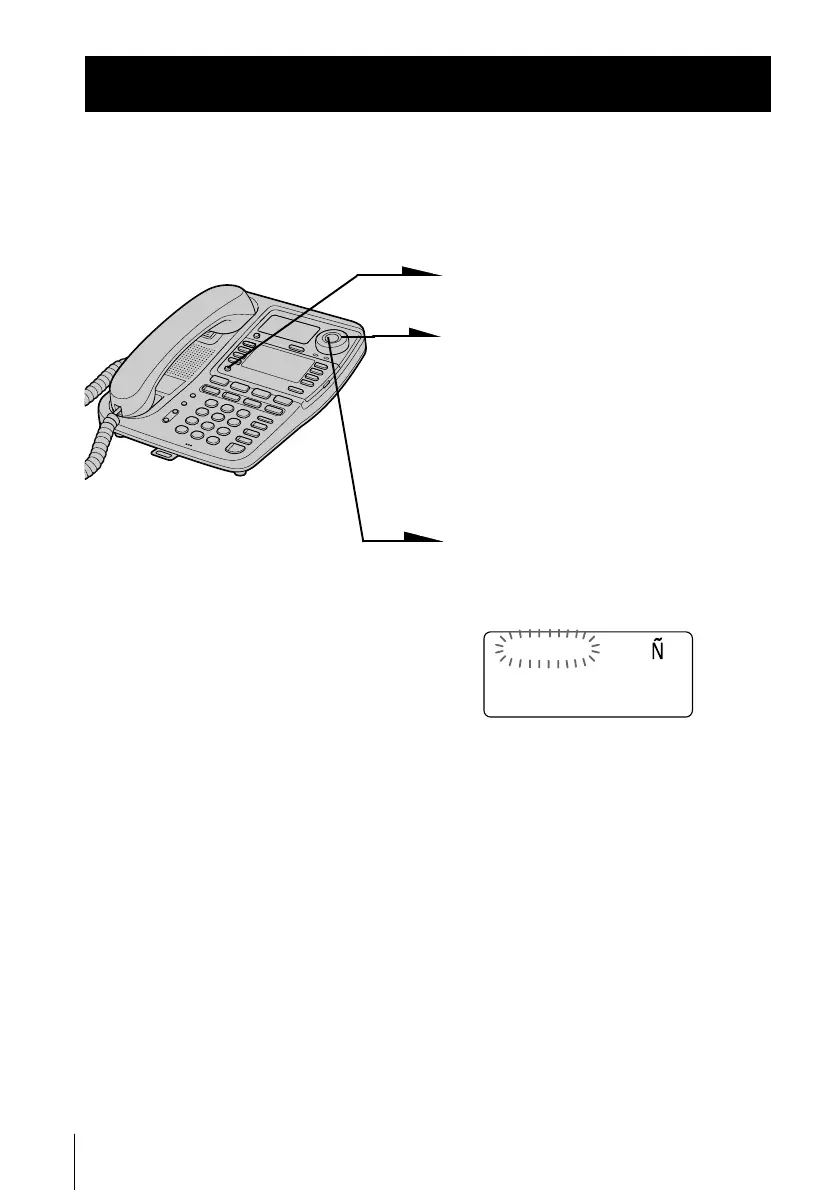
1 Press (PROGRAM).
2 Turn Jog Dial up until
“LANGUAGE” appears on the
display.
Display “IDIOMA” when you
want to change the display
language from Spanish to
English.
3 Press Jog Button.
The currently selected language
flashes.
4 Turn Jog Dial to change the
display language, and then
press Jog Button.
You will hear a long
confirmation beep.
Note
Do not allow more than 20 seconds to elapse between each step of the
procedure.
Tip
You can press (PROGRAM) instead of Jog Button in the procedure above.
Step 5
ENGLISH ESPA OL



 To Next Page