Getting Started
8
US
Getting Started
Read this first
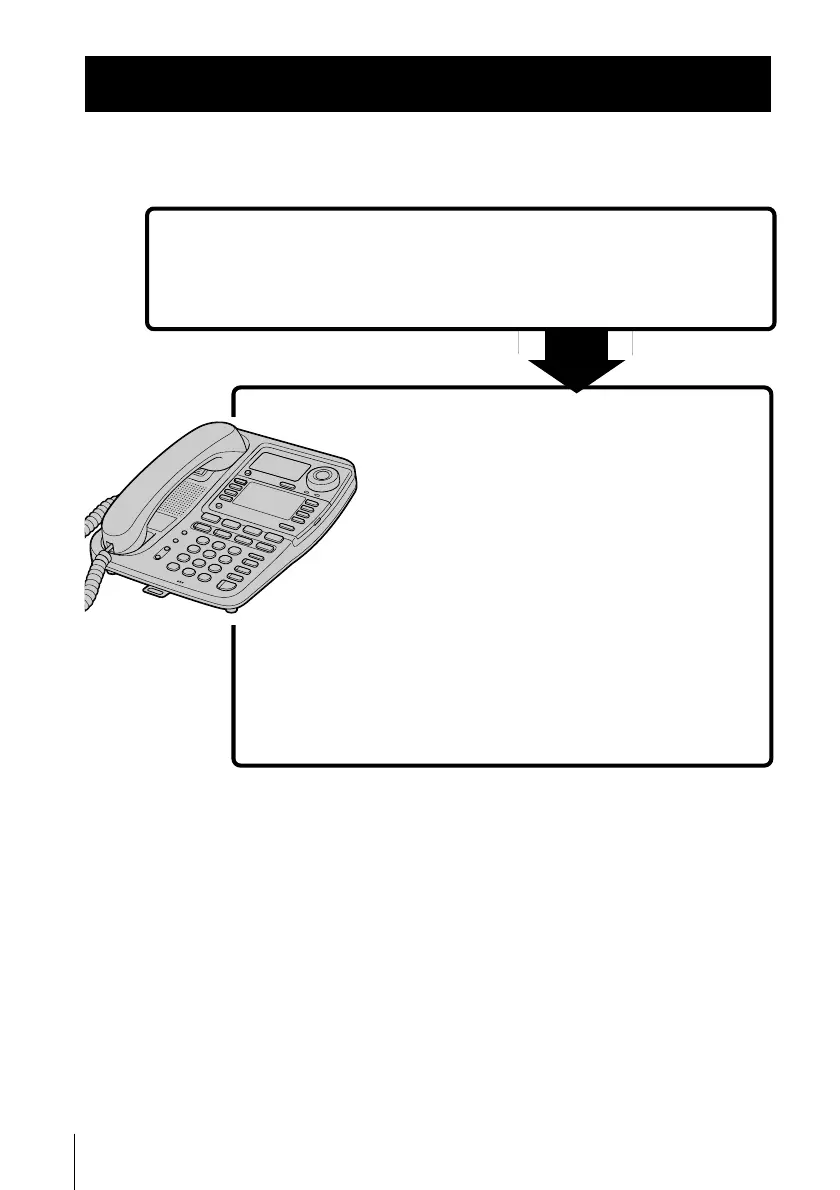
Before you use your phone, you must first set it up. Here’s a quick way
to set up your phone: Steps 1, 2 and 3.
Step 2 (pages 10 to 18)
Next, you need to do four things to set
up the phone, including finding the best
location for the phone.
Step 3 (pages 19 to 21)
Finally, enter the area code to use the
Caller ID service.
First, unpack the phone and the supplied
accessories.
Step 1 (page 9)
That’s it!
For the date and time setting, follow the procedure in
“Step 4 Setting the day and time” on page 22.
For changing the display language, follow the procedure
in “Step 5 Changing the display language” on page 24.



 To Next Page