Intercom Operation
63
US
Intercom Operation
Talking between the phones (Intercom)
You can converse with the other phone connected to the LINE 1 jack.
Example: Making an intercom call
from station number 02
to 03.
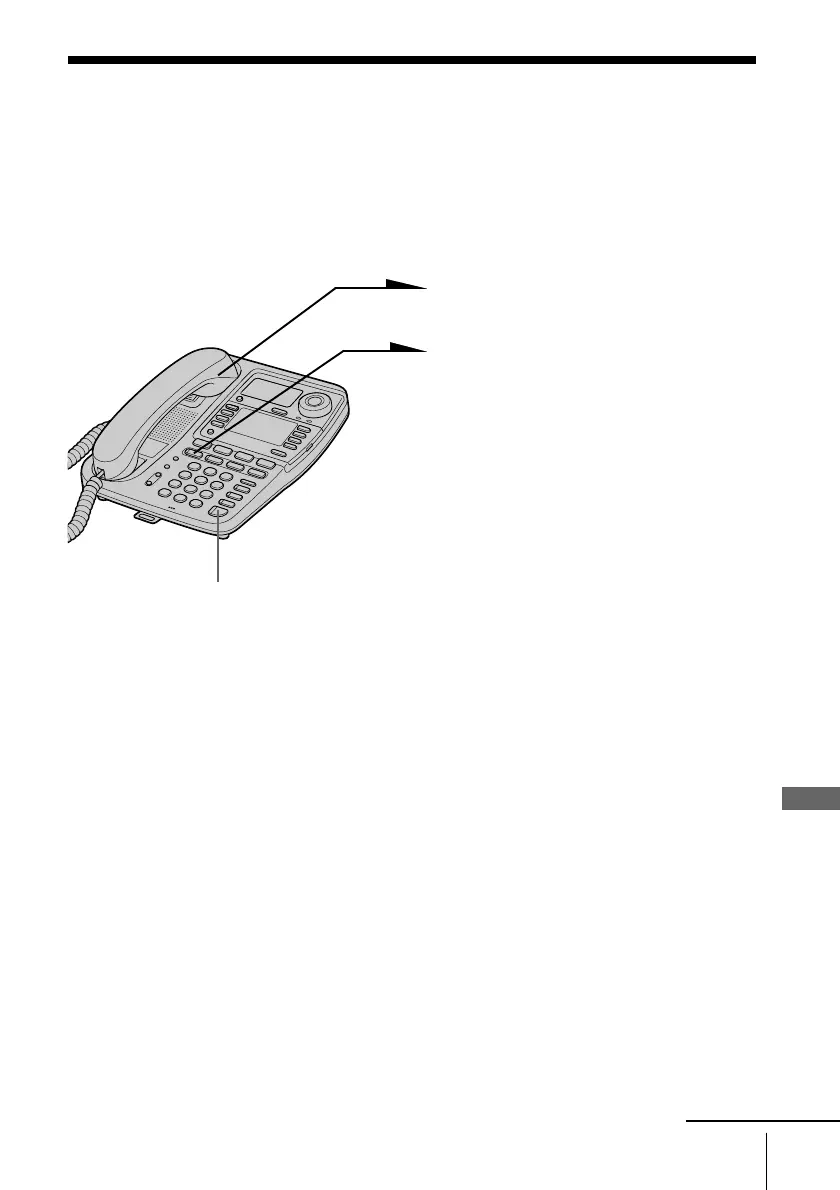
1 Pick up the handset.
2 Press (INTERCOM).
“INTERCOM ??” appears on
the display.
3 Enter the two digits station
number (01 to 16) by pressing
the dialing keys.
The phone makes a call
immediately after the number is
entered.
“INTERCOM TO 03” appears
on the display of the phone
making a call.
The phone rings and
“INTERCOM FROM 02”
appears on the display of the
phone receiving a call.
When a person at the phone
receiving a call picks up the
handset or presses
(SPEAKERPHONE) or
(INTERCOM), you can talk with
each other.
4 When you’re done talking,
replace the handset in the
cradle.
continued
(SPEAKERPHONE)
Intercom Operation



 To Next Page