46
US
Telephone Features
Phone Directory
(continued)
Setting the security code and enabling/
disabling the Phone Directory security
The Phone Directory can be secured by presetting a security code.
Once this setting is made, input of the correct security code is required
to access the Phone Directory when searching for or changing a phone
number or when making calls directly from the Phone Directory.
The four digits code you will enter in step 4 of the procedure below
becomes the security code.
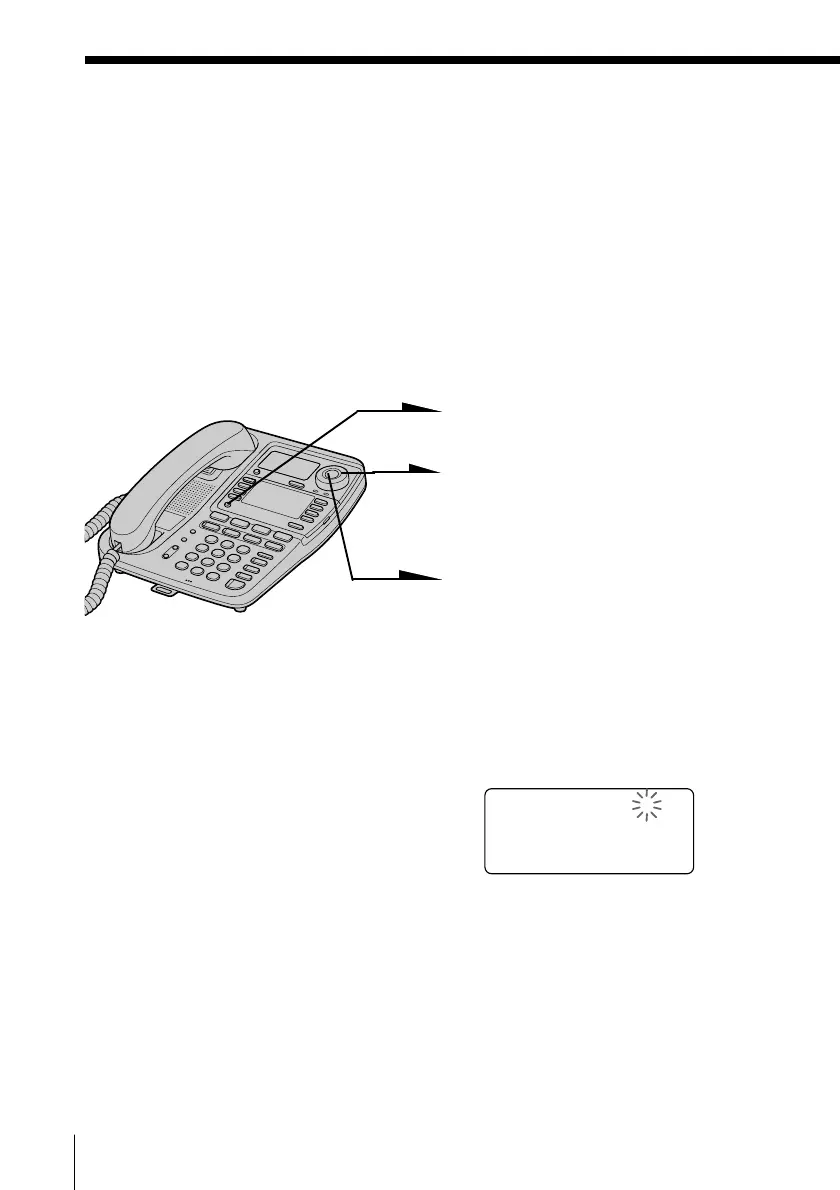
1 Press (PROGRAM).
2 Turn Jog Dial up until
“SECURITY MODE” appears
on the display.
3 Press Jog Button.
“NUMBER=????” appears on
the display.
4 Enter the four digits security
code (0000 to 9999) by pressing
the dialing keys.
NUMBER=1234



 To Next Page