Telephone Features
47
US
Telephone Features
Changing the security code
1 Perform steps 1 to 3 on page 46.
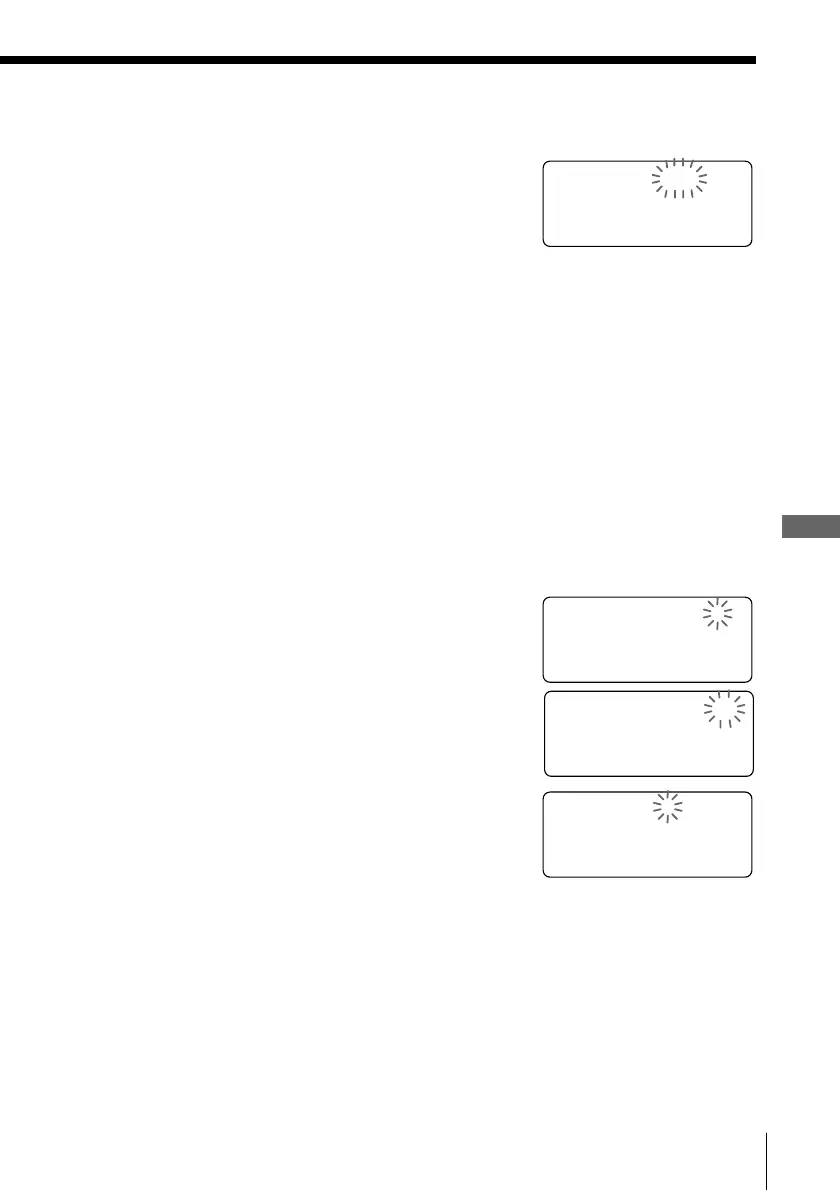
“SECURITY=????” appears on the display.
2 Enter the four digits security code (0000 to 9999)
by pressing the dialing keys.
You will hear a confirmation beep when the
entered security code is correct, and
“CHANGE? YES NO” appears on the display.
3 Turn Jog Dial to choose “YES”, and then press
Jog Button.
4 Enter a new four digits security code (0000 to
9999) by pressing the dialing keys.
5 Press Jog Button.
You will hear a confirmation beep and the
security code is changed.
6 Turn Jog Dial to choose “ON” or “OFF”, and
then press Jog Button.
You will hear a long confirmation beep, and the
security mode is enabled/disabled.
SECURITY=1234
CHANGE? YES NO
ON OFF
5 Press Jog Button.
You will hear a confirmation beep and the
security mode ON/OFF setting is displayed.
6 Turn Jog Dial to choose “ON” or “OFF”, and
then press Jog Button.
You will hear a long confirmation beep, and the
security mode is enabled/disabled.
Tip
You can press (PROGRAM) instead of Jog Button in the procedure above.
NUMBER=????



 To Next Page