Basics
Basics
33
US
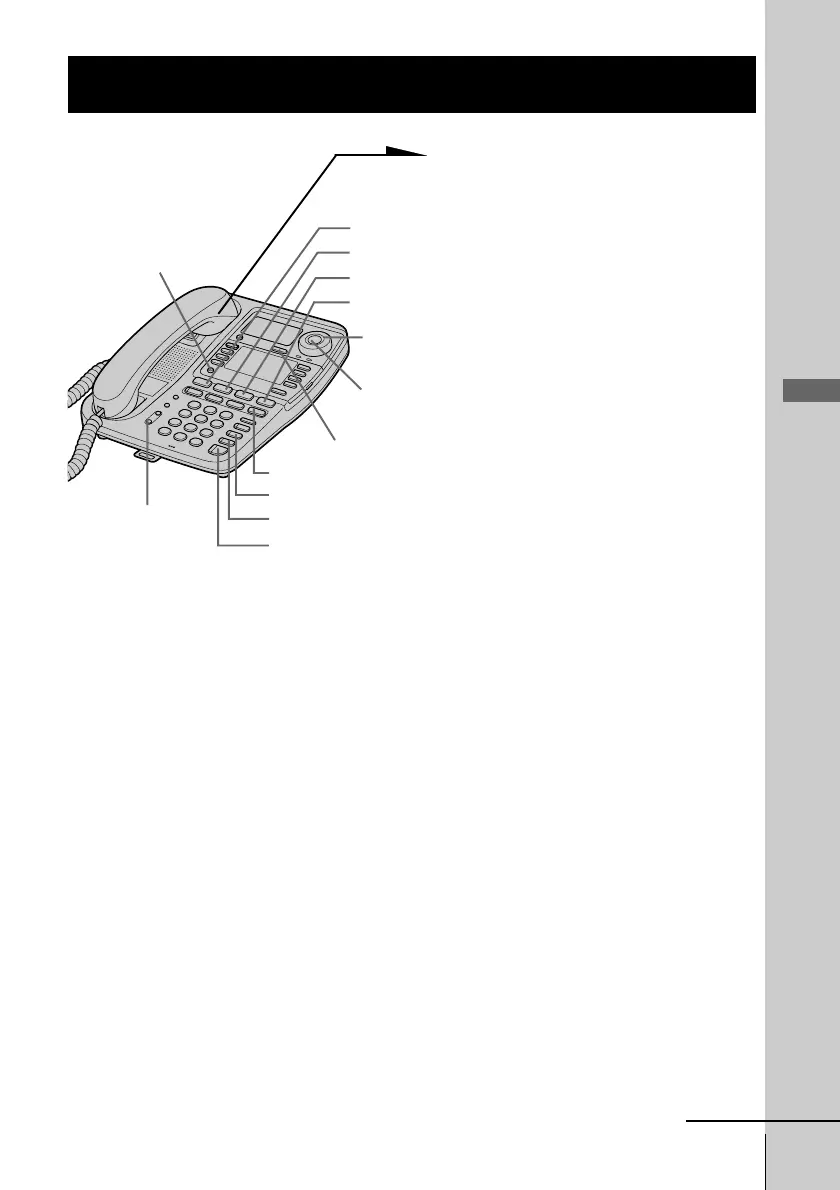
1 When you hear the phone ring;
• Pick up the handset from the
phone (or press
(SPEAKERPHONE)).
or
• Press (LINE 1), (LINE 2),
(LINE 3) or (LINE 4)
whichever button is flashing.
The SPEAKERPHONE lamp
lights up and you can talk
through the speakerphone. To
talk through the handset, pick
up it from the cradle.
The connected line button lights
up.
“=== TALK ===” appears on
the display and the display also
shows the operation duration in
hours, minutes and seconds.
2 When you’re done talking,
replace the handset in the cradle
(or press (SPEAKERPHONE)).
The disconnected line button
goes off.
When calls come in on two or more lines at the same time
Press (LINE 1), (LINE 2), (LINE 3) or (LINE 4) whichever button
is flashing.
To put a call on hold or disconnect the line, see “Receiving a
call while talking” on page 36.
Receiving calls
continued
(LINE 1)
(DO NOT DISTURB)
(VOLUME)
(LINE 2)
(LINE 3)
(LINE 4)
(CALL WAITING/FLASH)
(HOLD)
(SPEAKERPHONE)
(PROGRAM)
Jog Button
Jog Dial
(MUTING)



 To Next Page