68
US
Intercom Operation
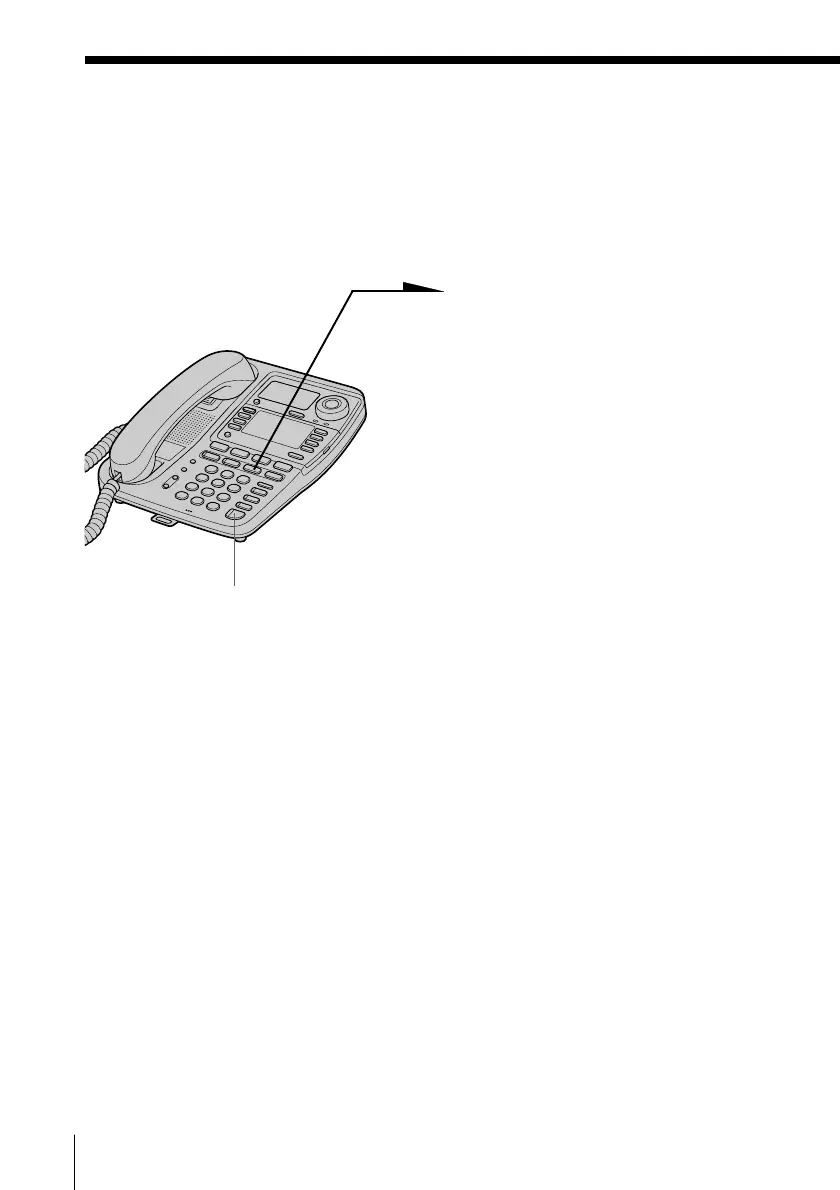
Transferring a call
You can transfer a call to the other phone connected to the LINE 1 jack.
Example: When transferring the call
on line 1 to station
number 03.
1 While conversing with an
outside caller, press
(TRANSFER).
The line in use is put on hold
and “TRANSFER ??” appears
on the display.
2 Enter two digits station number
(01 to 16) of the phone receiving
the transfer by pressing the
dialing keys.
The phone makes a call
immediately after the number is
entered.
“TRANSFER TO 03” appears
on the display of the phone
making a call.
The phone rings and
“LINE1 TRANSFER” appears
on the display of the phone
receiving a call.
3 When a person picks up the
handset (or presses
(SPEAKERPHONE)) or presses
(LINE 1), (LINE 2), (LINE 3) or
(LINE 4) whichever button is
flashing on the phone receiving
a transferred call, an outside call
is connected.
(SPEAKERPHONE)



 To Next Page