Telephone Features
37
US
Telephone Features
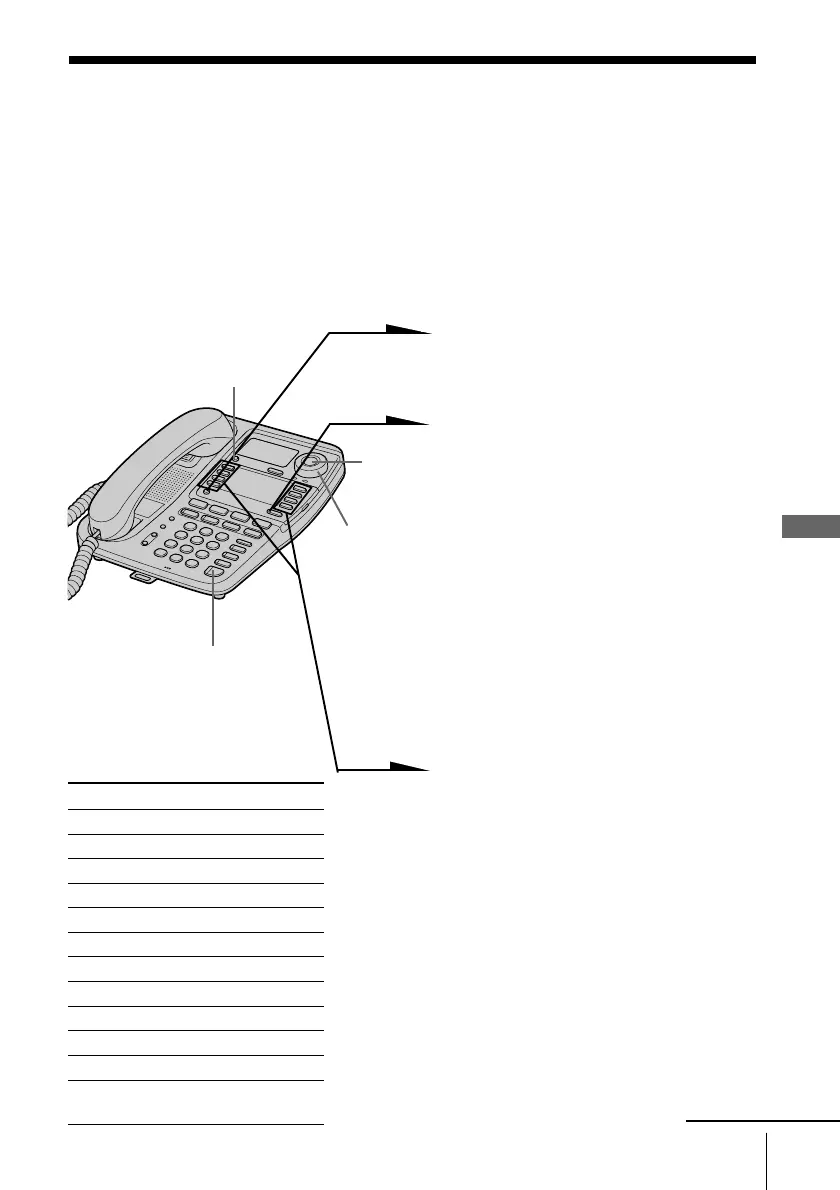
You can dial with a one-touch dial button by storing a phone number
to that button. Since two phone numbers can be stored in a one-touch
dial button, up to 16 phone numbers can be stored.
Storing phone numbers and names
Example: to store “SONY” “1234567”.
1 Press (PROGRAM).
“DIRECTORY” appears on the
display.
2 Select the first memory or
second memory of the one-
touch dial button by pressing
(LOWER).
When you store the phone
number in the first memory of a
one-touch dial button, make sure
that the LOWER button is not lit.
When you store the phone
number in the second memory
of a one-touch dial button, press
(LOWER) so that the LOWER
button lights up.
3 Press one of the one-touch dial
buttons.
“ENTER NAME” appears on
the display.
4 Enter the name by pressing
dialing keys. You can enter up
to 15 characters.
Press a dialing key until the
desired character appears. (See
the character table for details.)
Enter successive characters in
the same way.
Telephone Features
One-touch dialing
Character table
Key Character
(1) 1
(2) A t B t C t 2
(3) D t E t F t 3
(4) G t H t I t 4
(5) J t K t L t 5
(6) M t N t O t 6
(7) P t Q t R t S t 7
(8) T t U t V t 8
(9) W t X t Y t Z t 9
(0) 0
(*) *
(#) & t ’ t , t - t . t #
t (space)
continued
Jog
Button
Jog Dial
(SPEAKERPHONE)
(ERASE/CLEAR)



 To Next Page