13
Step 5 Registering Your Computer with the Base Station
Preparations Prior to Access from a Remote Location
Pre-release version
4
Select [Back].
The [NetAV Settings] screen appears again.
5
Select [Back].
The [Base station] screen appears again.
6
Select [Settings], and then select [Exit].
Step 5 Registering Your Computer with the Base
Station
This step explains how to register your remote computer with the base station.
If you remove the 3ivx after installing LocationFree Player, when you start
LocationFree Player a DirectShow initialization error occurs. If this happens,
uninstall LocationFree Player and then reinstall it.
1
Connect your computer to your network through a wireless or wired LAN
connection.
2
Double-click (LocationFree Player) on your desktop.
You can also point to [All programs] ([Programs] in Windows 2000), [Sony
LocationFree Player], and then click [LocationFree Player] on the [Start]
menu.
LocationFree Player starts. The [Registration for Binding] screen appears.
.
Note
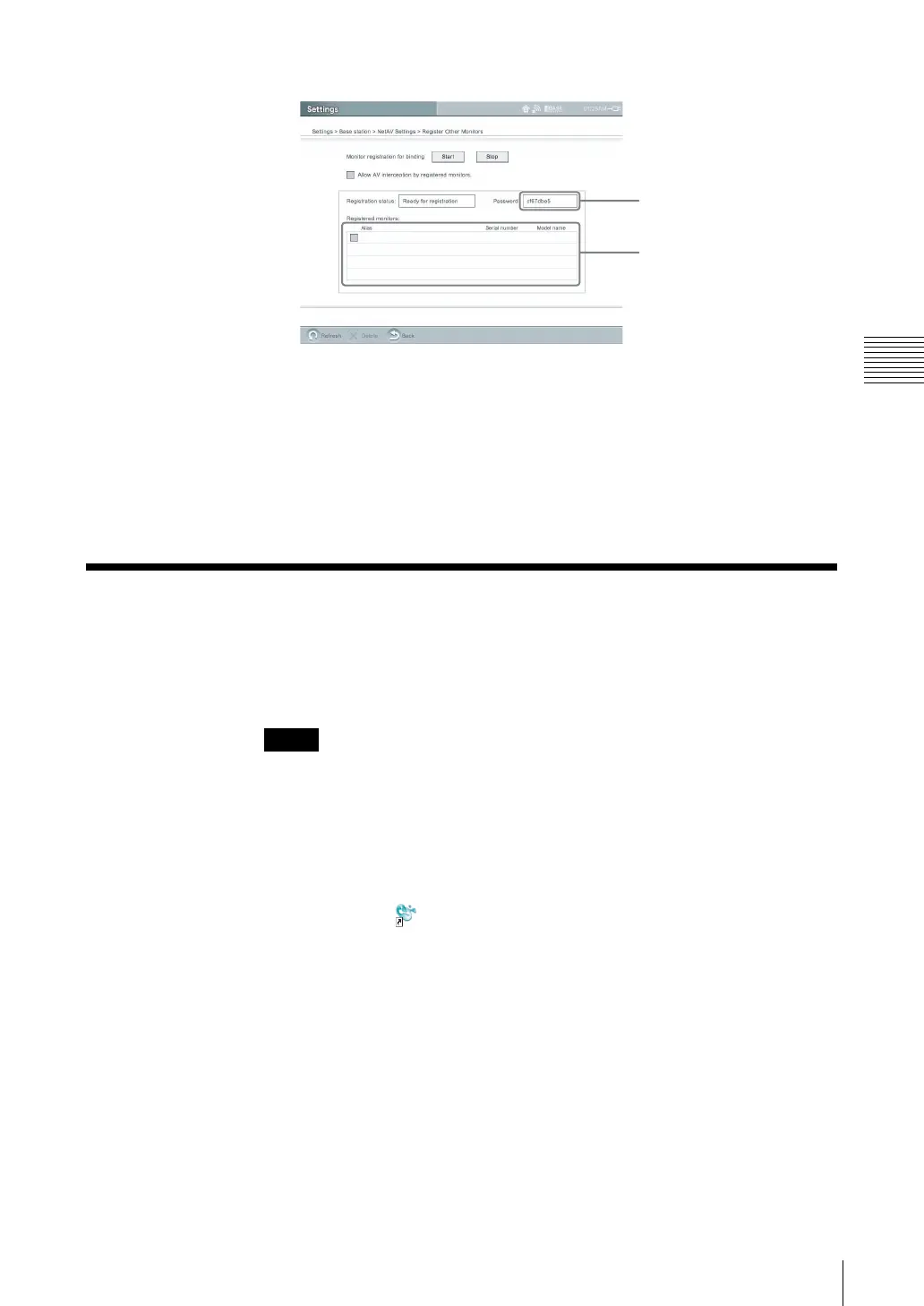
The registration
password appears here
The name you entered
for [Name for registration]
in Step 5 appears here.



 To Next Page