37
Troubleshooting
Others
Pre-release version
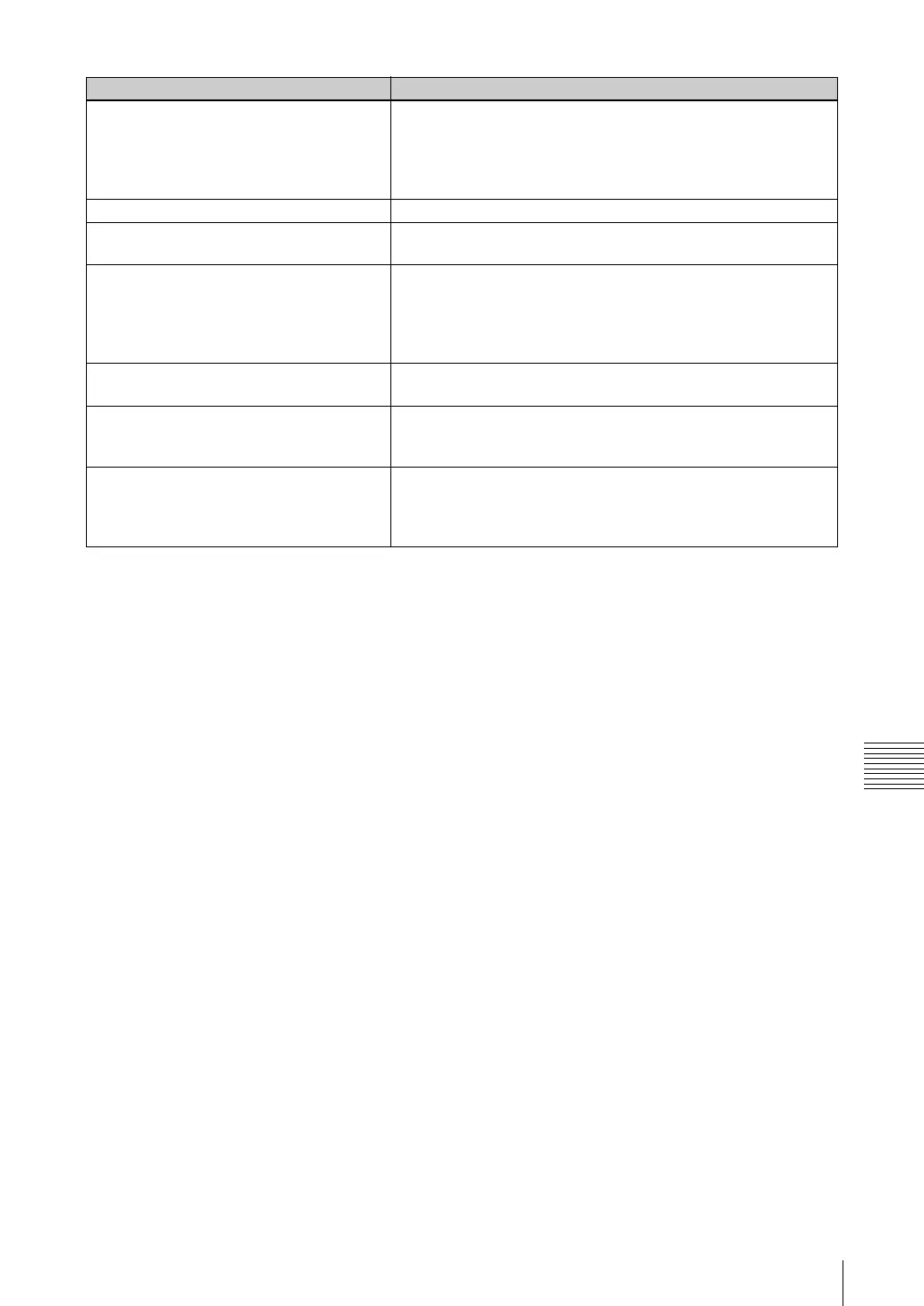
The feed from a device connected to the base
station is not displayed.
• Verify that any peripheral devices are correctly connected to the
base station.
• Verify that the supplied IR Blaster is correctly installed and that
the on-screen remote control is correctly configured. For details,
refer to the LF-X1/LF-X5 operating instructions.
Assigned channels do not display. • Try changing the CABLE ON/OFF setting.
The picture is distorted. • Update to the newest display driver provided by the maker of
your monitor.
Cannot display the on-screen remote control
or cannot click [Remote].
• Verify that the supplied IR Blaster is correctly installed and that
the on-screen remote control is correctly configured. For details,
refer to the LF-X1/LF-X5 operating instructions.
• Verify that the on-screen remote control is correctly configured in
the LocationFree Player settings screen (1 page 20).
The Settings button or Vol button does not
appear.
• If the window size is too small, some buttons may not be shown.
Make the window larger to see the buttons.
Video does not appear when I select TV,
Video 1, or Video 2 in the [INDEX] window
and click [Connect].
• If you are not using the LocationFree TV internal tuner, you must
use the remote control to display video.
The remote control responds to a single
button push as though the button were pushed
several times.
• Verify that you don’t hold down the mouse button too long when
clicking. Try to keep your mouse clicks short.
• Verify that the specified rate is not too high in relation to the
actual line speed. Try lowering the rate.
Problem Solutions



 To Next Page