Hint
In the factory settings, when you are listening to music while wearing both headset units, the headset will pause music playback if
one or both headset units are removed. When you put the removed headset unit into your ear again, the headset will resume
music playback.
The headset supports SCMS-T content protection. You can enjoy music and other audio on the headset from a device such as a
portable TV that supports SCMS-T content protection.
Depending on the Bluetooth device, it may be necessary to adjust the volume or set the audio output setting on the device.
The volume can also be adjusted on the “Sony | Sound Connect” app.
The headset volume during a call and during music playback can be independently adjusted. Even if you change the volume
during music playback, the volume of a call does not change.
You can also listen to music by removing only one headset unit from the charging case and putting it into your ear.
When you are listening to music with only one headset unit, if you put the other headset unit into the other ear, you can listen to
music with both headset units.
Note
You cannot adjust the volume with the headset when no music is playing.
If the communication condition is poor, the Bluetooth device may react incorrectly to the operation on the headset.
Related Topic
Wearing the headset
Using only one headset unit
How to make a wireless connection to Bluetooth devices
Controlling the audio device (Bluetooth connection)
5-056-451-11(2) Copyright 2024 Sony Corporation
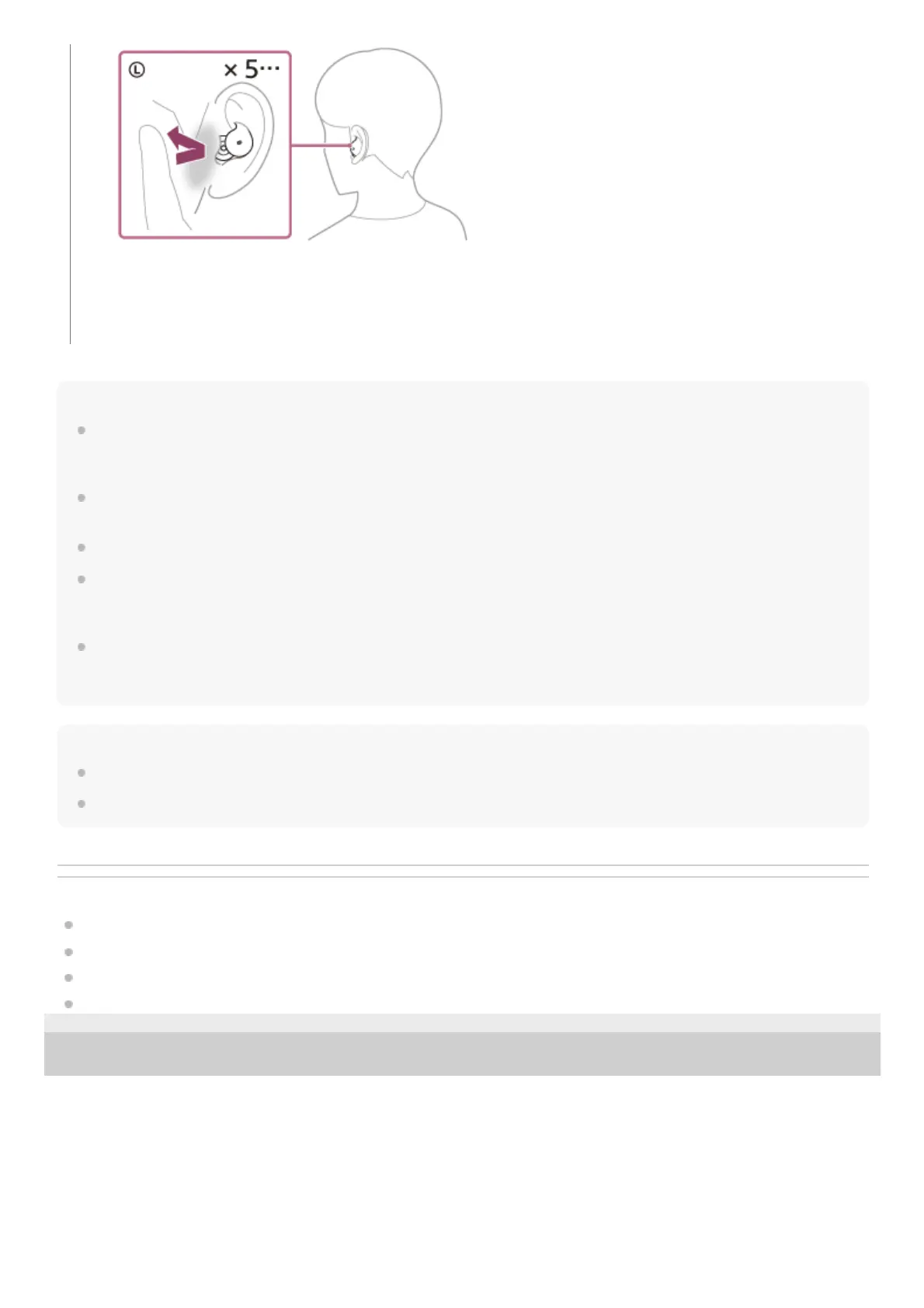
As you repeatedly tap the headset or the area near your ear, a notification sound is emitted and the volume
lowers by 1 step every 0.4 seconds, regardless of the number of times you tap.
When the volume reaches the maximum or minimum, an alarm sounds.



 To Next Page