13
Location and Function of Parts
z You can check the remaining time
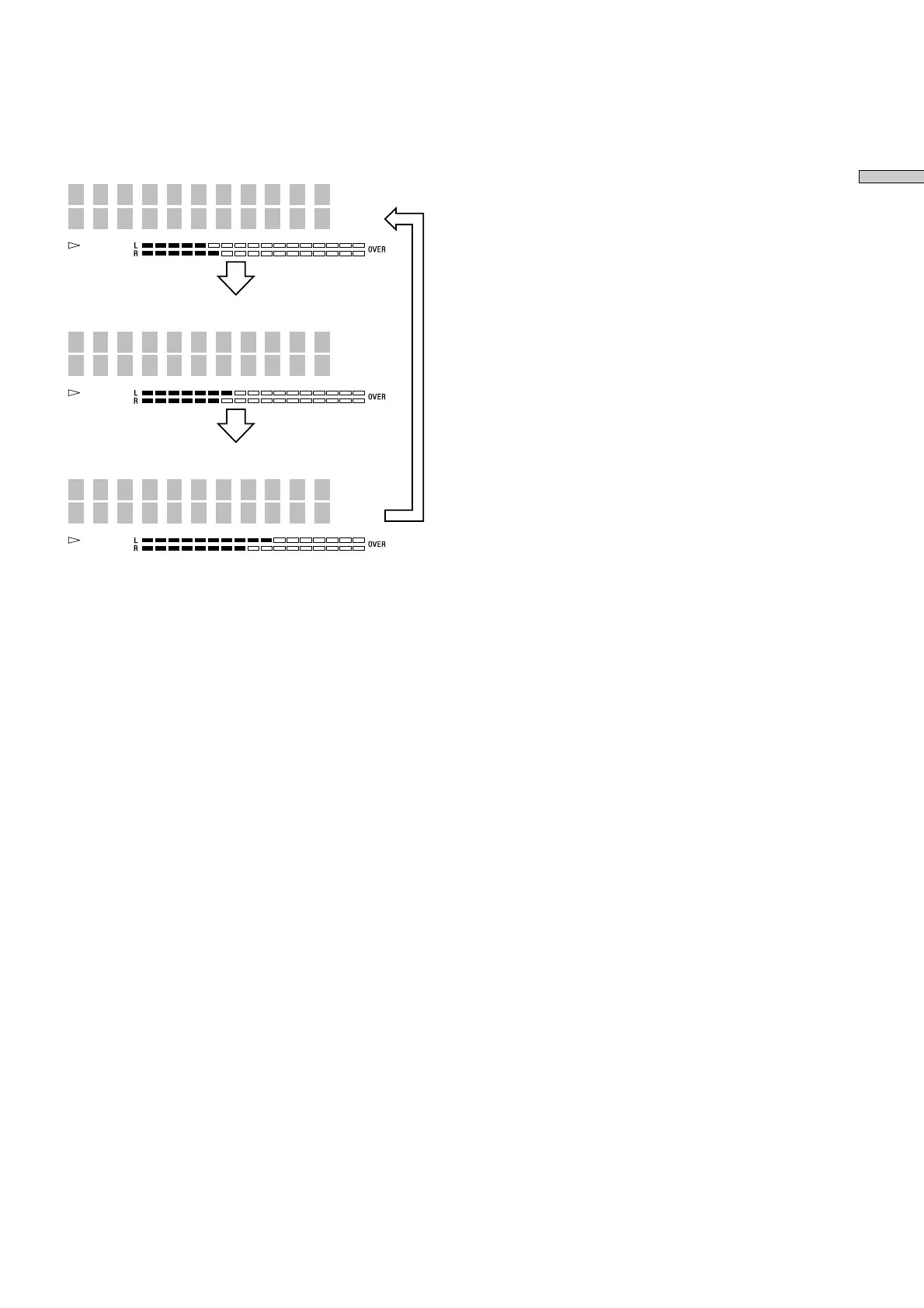
Press TIME. Each press of the button changes the
display as follows:
-24m47s
DREAM
2 -1m25s
Tr
DREAM
2 2m33s
Tr
DREAM
Track number and elapsed time of the current track
(default display)
Track number and remaining time of the current track
Remaining time of all recorded tracks
Press
Press
Press
z Press SCROLL when disc time information is displayed
The track name appears and scrolls. While the track
name is scrolling, press the button again to pause
scrolling, and again to continue scrolling.



 To Next Page