40
Editing Recorded
MDs
This chapter explains the various editing
methods that are available.
Before you start editing
RAM editing and DISC editing
Two edit modes are available.
DISC editing : The results of editing are recorded to the
disc’s TOC.
RAM editing : The results of editing are not recorded, but
are only temporarily edited for output.
RAM editing allows for the editing of
record-protected discs or premastered discs.
Editing operation methods are common.
Notes
• To protect music copyright, premastered MD that has
been RAM edited cannot be digitally recorded.
• RAM editing is a temporary edit only, so the contents of
editing cannot be written to disc. When the disc is
removed, the contents of editing is not saved.
• Recording and S.F EDIT cannot be made in RAM edit
mode.
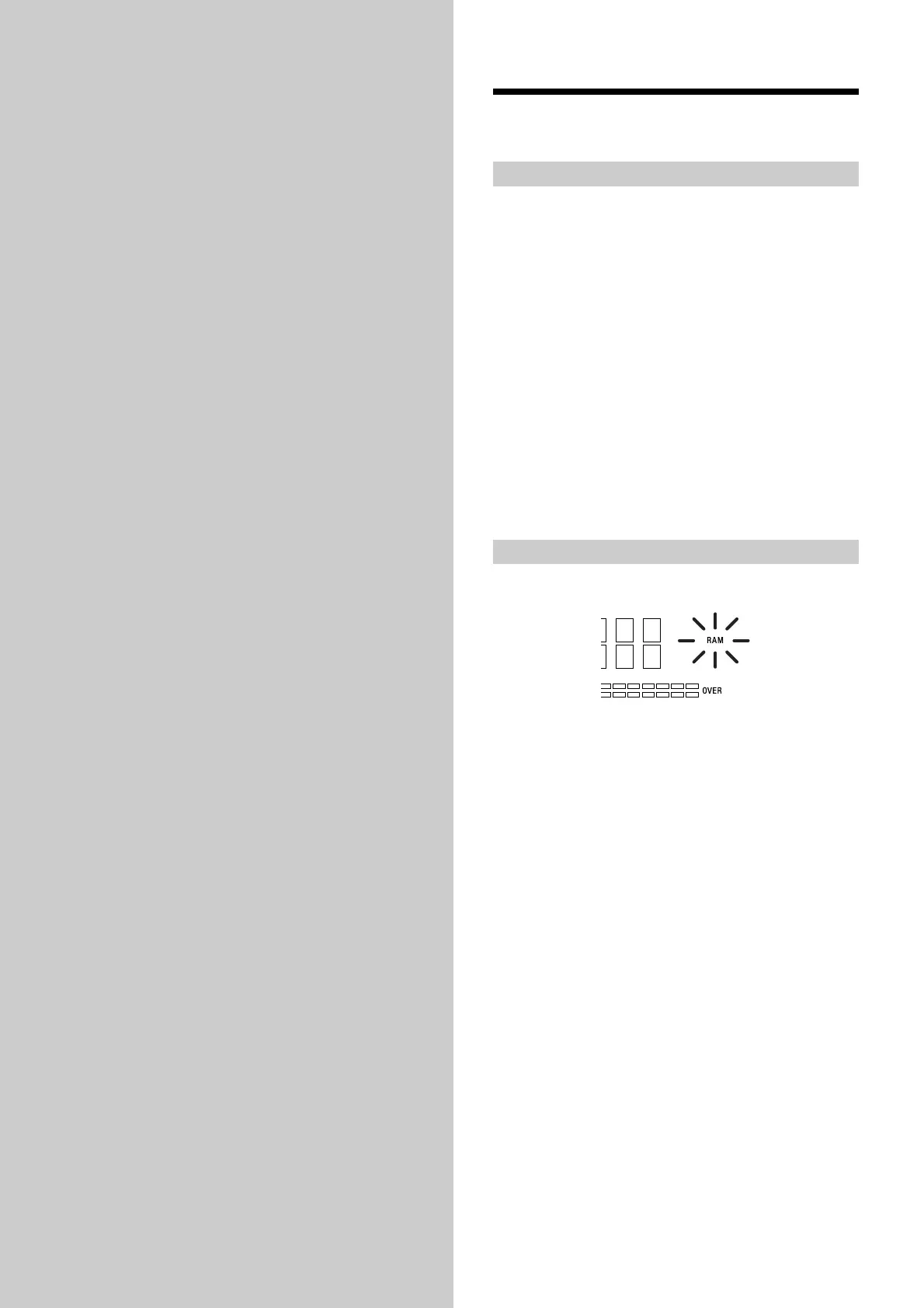
To select RAM editing
Insert a disc while pressing x (STOP). “RAM” lights up in
the display.
To select DISC editing
Remove the disc once. The “RAM” indication on the
display will disappear, and the mode is returned to DISC
editing.



 To Next Page