52
Other Functions
This chapter explains other useful functions
that are available on the MD recorder.
Fade IN and Fade Out Z
You can use Fade-in Play to gradually increase the signal
level to the ANALOG OUT jacks and the PHONES jack at
the start of playback. Fade-out Play gradually reduces the
signal level at the end of playback. Fade-in recording
gradually increases the signal level at the start of
recording. Fade-out recording gradually decreases the
signal level at the end of recording.
EJECT
PLAY MODE
DISPLAY
TIME
MENU/NO
YES
DATE
ABCDE
FGHIJ
12345
678910
11 12 13 14 15
16 17 18 19 20
21 22 23 24 25
KLMNO
PQRST
UVWXY
Z
-
.
,
M.ACCESS
CONTINUE SHUFFLE PROGRAM
RECORDED PRESENT
M.SCANA.PAUSEREPEAT
NAME IN
NAME CHAR
CLEAR SCROLL
T.REC MUSIC SYNC
STOP START
CD PLAYER
STANDBY
FADER
LEVEL
RM-DR1J
CD-SYNC
NUM
/
>
25
?!
BA
A.CUE
Note
The level of the signal output from the DIGITAL OUT
connector does not change in Fade-in Play or Fade-out
Play.
Fade-in Play and Fade-in Recording
During pause play (for Fade-in Play) or recording
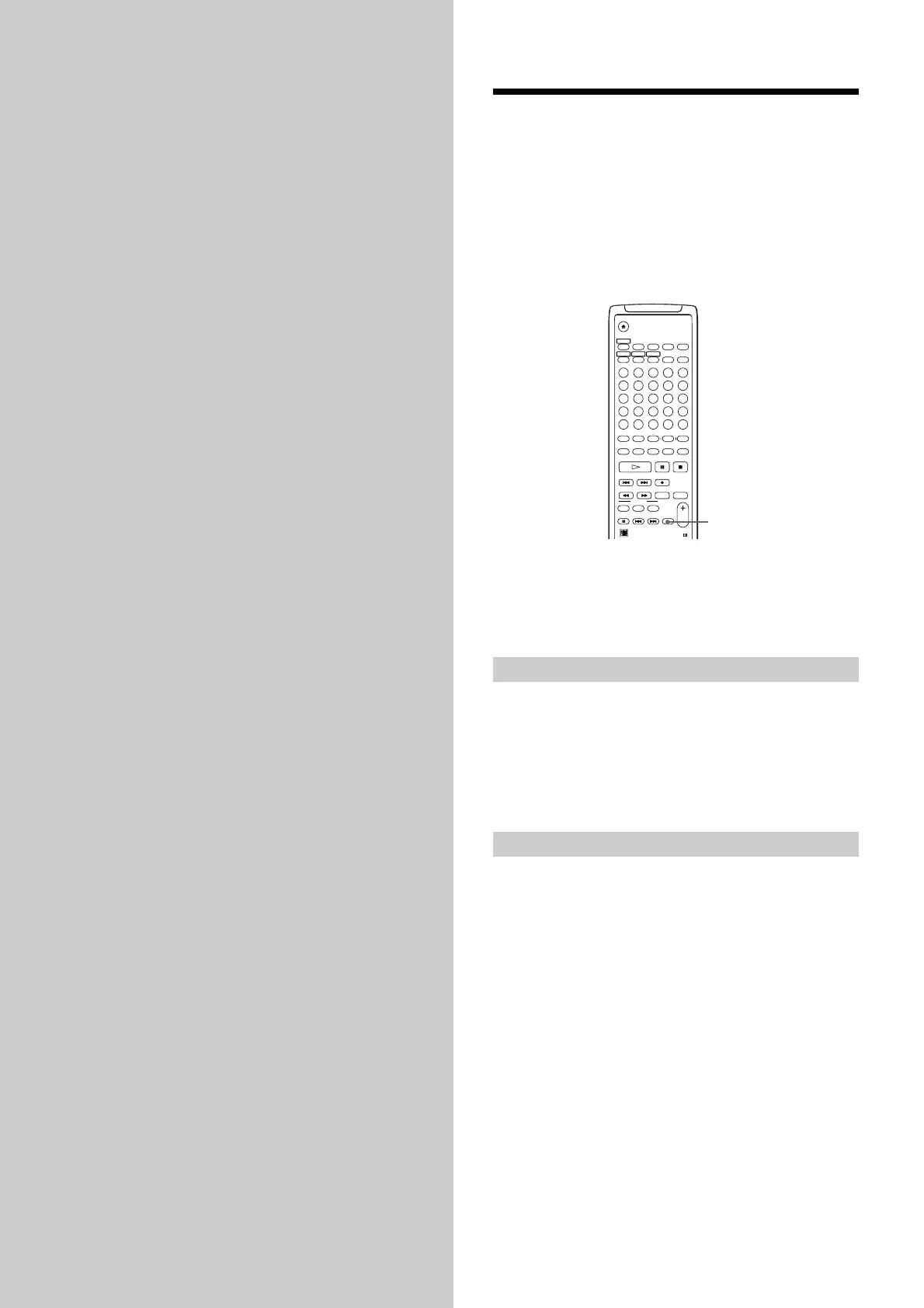
pause (for Fade-in recording), press FADER.
Fade in begins.
“Fade b 5.0s” appears in the display with the b flashing.
The recorder performs Fade-in for five seconds until the
counter shows “0.0s”.
Fade-out Play and Fade-out Recording
During pause play (for Fade-out Play) or recording
pause (for Fade-out recording), press FADER.
Fade out begins.
“Fade B 5.0s” appears in the display with the B flashing.
The recorder performs Fade-out for five seconds until the
counter shows “0.0s”. When Fade-out is complete, the
recorder is paused automatically.



 To Next Page