27
Playing MDs
This chapter explains the various ways to
play MDs.
Playing an MD
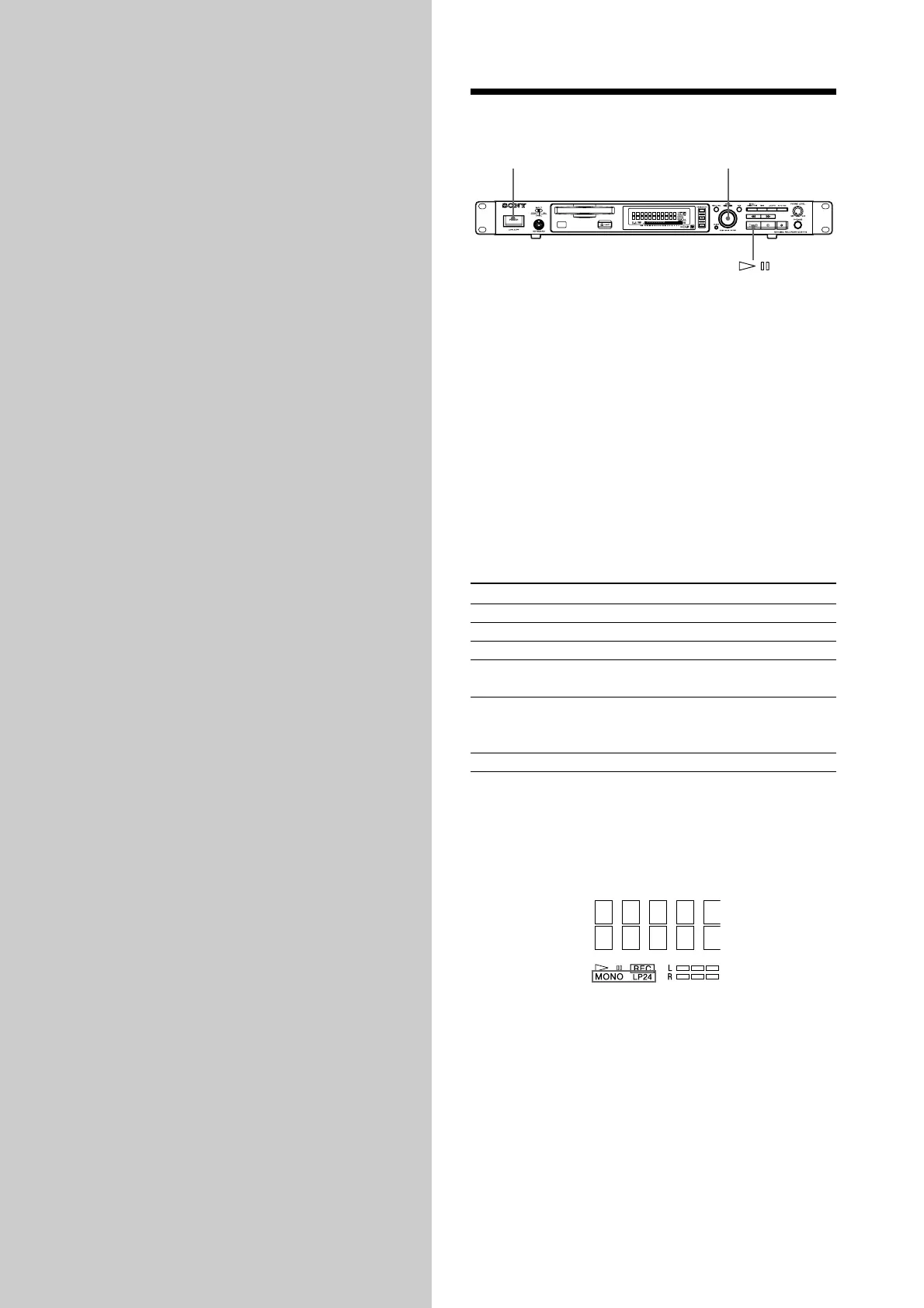
POWER AMS
1 Turn on the mixer.
2 Adjust the fader or level of the connected channel
of the mixer.
3 Press POWER to turn on the recorder.
4 Insert an MD.
5 If necessary, turn AMS (or press ./>
repeatedly) to locate the track you want to start
playing from.
If you want to play from the first track, go to step 6.
6 Press 7.
The recorder starts playing.
Operations you may want to do during play
To Press or turn
Stop play x
Pause play 7
Resume play after pausing 7
Locate a succeeding track AMS clockwise (or press >
repeatedly)
Locate the beginning of AMS counterclockwise (or
the current track or press . repeatedly)
a preceding track
Eject the MD After stopping play A
z To play the MD on which LP2, LP4 stereo recording or MONO
recording has been performed
By pressing 7 in step 6 above, “LP2,” “LP4,” or
“MONO” lights up depending on the mode recorded
on the lower left of the display window.
z To use headphones
Connect them to PHONES jack. Turn PHONE LEVEL
to adjust the volume.



 To Next Page