47
Editing Recorded MDs
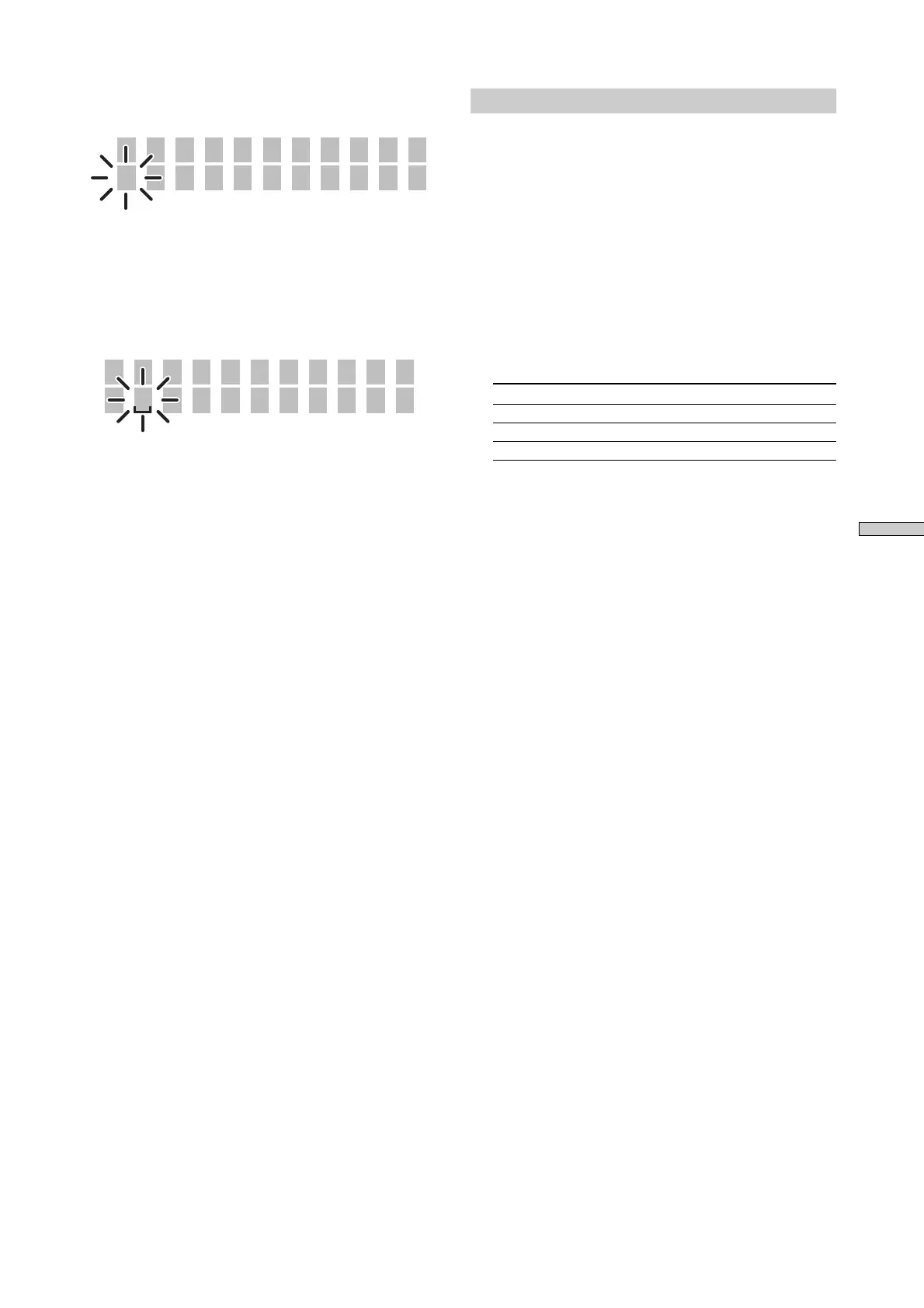
6 Turn AMS to select the character.
The selected character flashes.
D
Nm In Tr21
To change a selected character
Repeat steps 5 and 6.
7 Press AMS.
The selected character is entered and is continuously
displayed. The cursor moves to the next position, and
again flashes.
D
Nm In Tr21
8 Repeat steps 5 to 7 to enter the rest of the name.
To change a character
Press m/M repeatedly until the character to be
changed flashes, then repeat steps 5 to 7.
To erase a character
Press m/M repeatedly until the character to be
erased flashes, then press CLEAR.
9 Press YES.
“Complete!” appears in the display, and the name is
entered.
To cancel the operation
Press MENU/NO or x.
Naming a track or MD using the remote Z
1 Naming a track or disc is done by the following
operations.
• Naming a track
While the track number is displayed and the recorder
is stopped, playing, paused or recording, press
NAME.
• Naming a disc
When the total number of tracks is displayed and the
recorder is stopped, press NAME.
The cursor flashes, and the characters can be entered.
2 Repeatedly press CHAR or NUM to select the
character type
Character type Display
Uppercase letters or symbols* “Selected AB”
Lowercase letters or symbols* “Selected ab”
Numbers or symbols “Selected 12”
* Symbols which can be used: _ / , . ( ) ! ?
3 Press letter/number to enter the characters
After you enter a character, the cursor shifts rightward
and waits for the input of the next character.
4 Repeat steps 2 and 3 to enter the rest of the name.
To change a character
Press m/M repeatedly until the character to be
changed flashes, press CLEAR to erase the character,
then repeat steps 2 and 3.
5 Press YES.
“Complete!” appears in the display, and the name is
entered.
To cancel the operation
Press MENU/NO or x.



 To Next Page