4
GB
Getting started
Overview
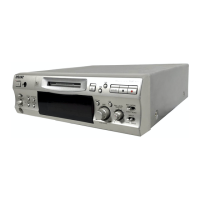
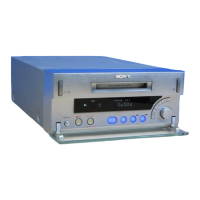
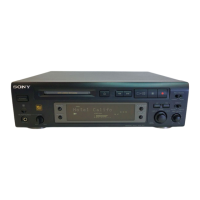
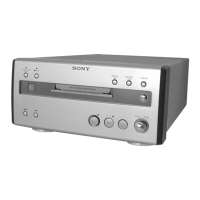
M-crew (ver. 2.0E) allows you to control Sony system stereo
components. Through M-crew, you can perform the functions listed
below.
Playback
• Use the computer to operate the playback function on CD, MD and
DVD decks.
• Enjoy audio files stored on the computer.
• Tune in radio stations using the computer.
Recording/editing
• Input disc and track names from the computer keyboard.
• Edit MDs on the computer screen.
• Record from a CD to an MD through easy drag-and-drop operations.
• Record easily from a radio to an MD.
• Organize tracks on an MD into groups of your choice.
• Access CDDB2 from your computer to label albums and tracks
automatically (only for the components supporting this feature).
Other operations
• Create virtual media for the management of audio files.
• Keep track of played and recorded tracks through a Disc Library.
• Access related websites while enjoying tracks.
• Register images to attach them to a track and view them while
listening to the track (CLIP function).
• Access related websites while enjoying radio programs.
• Set playback and recording timers.
• Use the Easy Mode window to access easily to the basic functions of
M-crew.
• Print out MD labels.



 To Next Page