9
GB
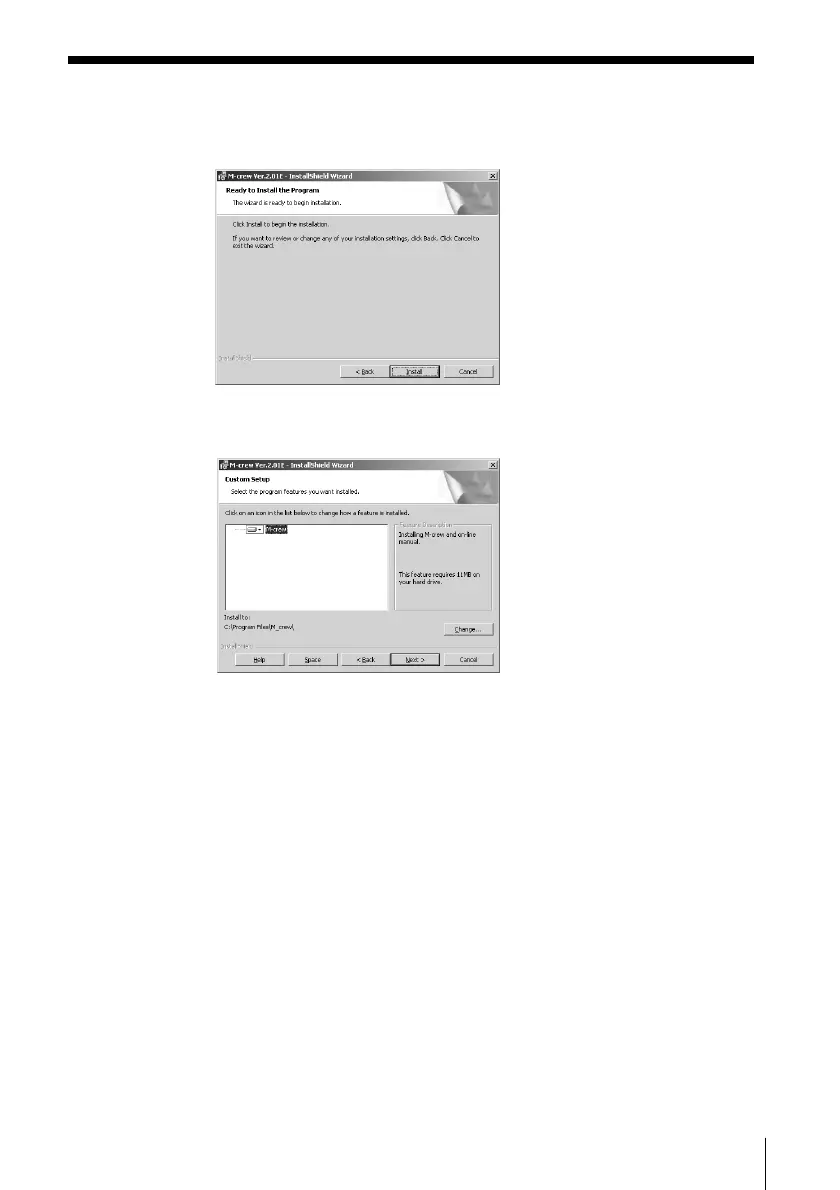
7 If you selected “Complete” in step 6, click “Install.”
The installation starts.
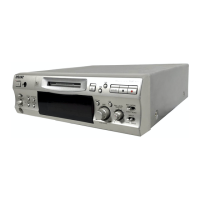
If you selected “Custom” in step 6, click “Next.”
To change the folder to which to install M-crew, click “Change” to
open the dialog box, click “Next” after specifying the folder, and
then click “Install.”
(continued)



 To Next Page