24
Accessing disc data from your computer
Perform the following procedure to view files and folders on discs.
With Windows
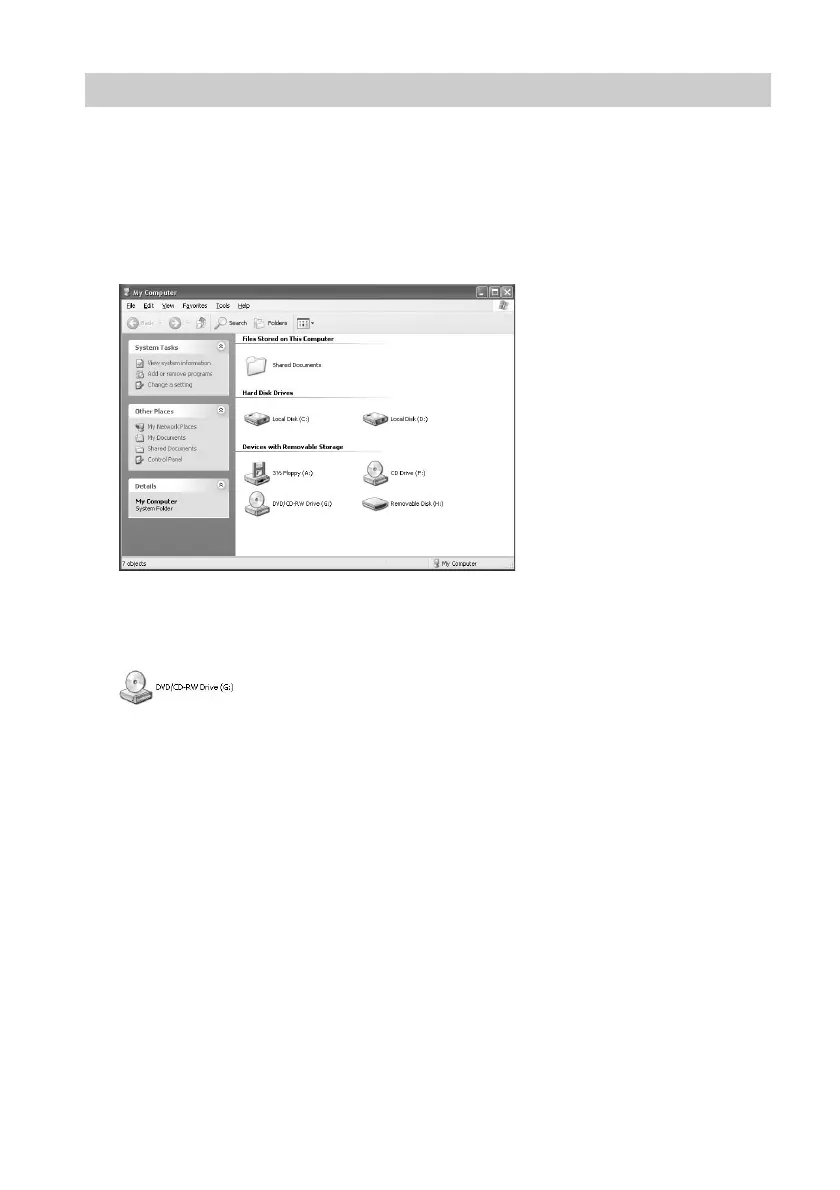
1 Open [My Computer].
The [My Computer] window appears.
2 Double-click the icon below.
z The drive letter assigned to the drive depends on your computer. (In the
example, “G”.)
The folders and/or files on the disc are displayed.
With Macintosh
When you insert a disc into the drive, a disc icon appears on the desktop of your
Macintosh computer. Double-click this icon to display the files and/or folders on the
disc.
Example: Windows XP [My Computer] window



 To Next Page