46
Advanced Playback Functions
Displaying track information
You can use the DISPLAY button to display such information as:
• CD-TEXT. CD-TEXT is essentially text information on the music CD such as
album titles, artist names, and song titles.
• The file and folder names of an music files, and MP3 file ID3 tags (album titles,
artist names, and song titles).
z
For details about ID3 tags, see page 53.
Press the DISPLAY button during playback
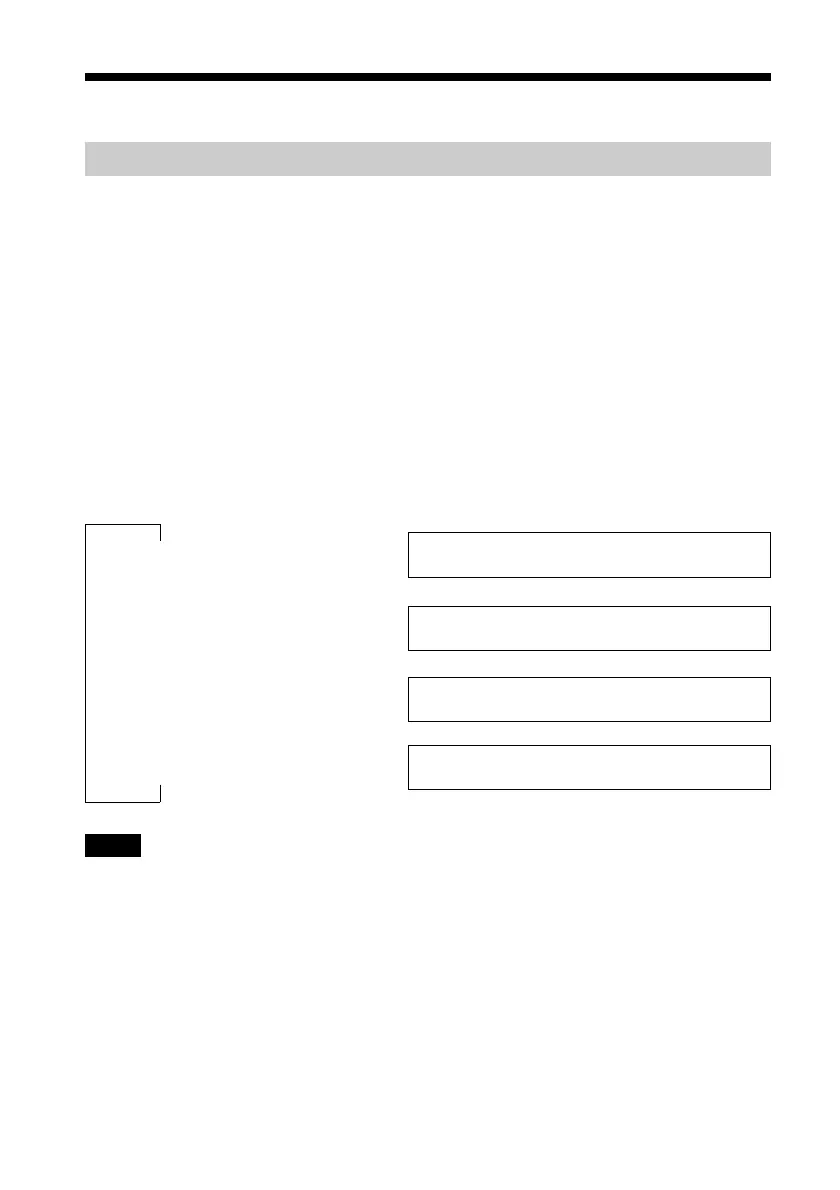
Each time that you press the button, the remote control display changes as follows:
Remote control display
Normal playback Track number Song title
1)
and elapsed time
1)
If there is no song title information, the file name appears.
Press the DISPLAY button Track number Song title
1)
/Artist name
1)
If there is no song title information, the file name appears.
Press the DISPLAY button again Remaining tracks Album title/Artist name
Press the DISPLAY button again Folder number /Folder name/
Notes
• During folder playback, the track number and remaining tracks in the folder are displayed.
• Only alphanumeric characters can be displayed.
• When a disc contains text information incompatible with this drive or no text information, the
information may be incorrectly displayed or not displayed at all.
• In the case of music CDs, the folder name is “
*
CDDA
*
” is displayed instead of the folder name.
• During playlist playback, the folder name is the playlist file name.
• During program playback, the folder name is “
*
PROGRAM
*
”.
x
x
x



 To Next Page