47
Continued
Advanced Features
Adjusting the tone (SOUND function)
You can adjust the playback tone according to the type of music you are listening to.
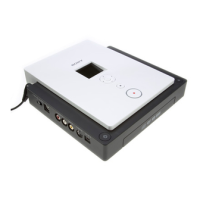
Press the SOUND button of the remote control or on the drive
itself.
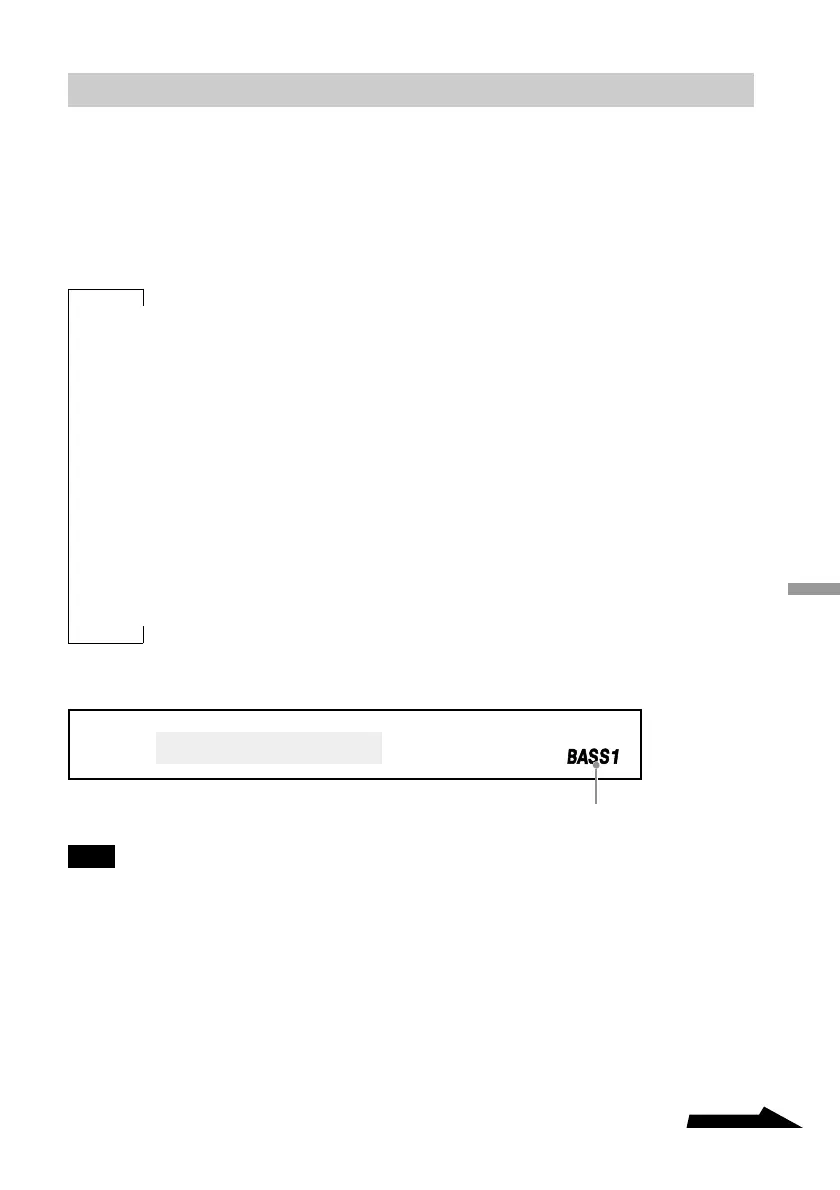
Each time that you press the button, the remote control display changes as follows:
NORMAL (Normal)
BASS 1
1)
(Bass1)
BASS 2
1)
(Bass2)
ROCK (Rock)
JAZZ (Jazz)
DANCE (Dance)
LATIN (Latin)
Note
If your music sounds distorted, lower the volume.
x
x
x
x
x
x
“BASS 1” and “BASS 2” are displayed here.
1)
These two settings boost the bass of your music upon output. BASS 2 is stronger than BASS 1.



 To Next Page