40
Advanced Playback
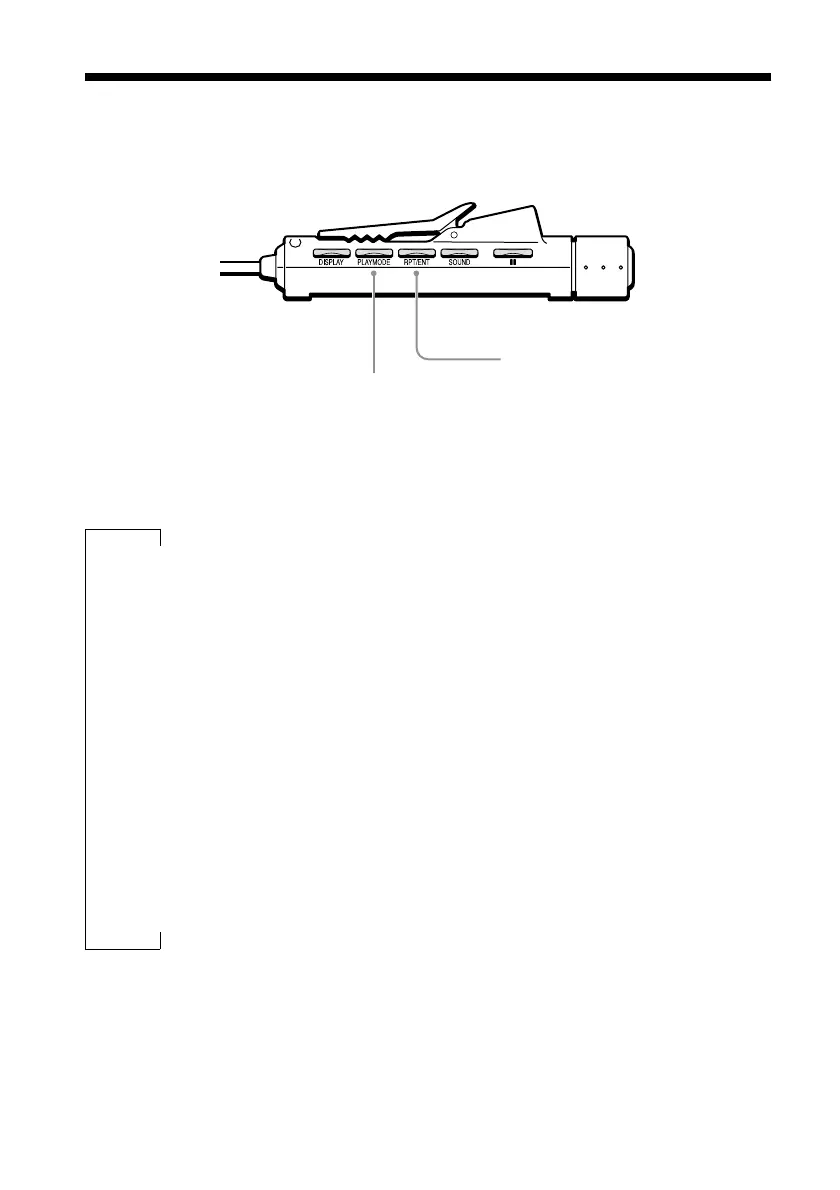
You can play back your music with a variety of features accessible with the remote
control PLAY MODE and RPT/ENT buttons.
PLAY MODE button
RPT/ENT (Repeat/Enter) button
PLAY MODE button
Press it during playback to change the
playback mode.
Normal playback (all)
Listen to all the tracks in a folder
(folder)
1)
Listen to one track only (single)
Listen to all the tracks in random
order (all) SHUF
Listen to all the tracks in a folder in
random order (folder) SHUF
1)
Listen to selected tracks in the
desired order
PGM
1)
A music CD is considered to be a single folder.
RPT/ENT button
• Press it after selecting a playback
mode with the PLAY MODE button
to loop playback.
• Press it to select tracks when creating
a program.
x
x
x
x
x



 To Next Page