45
Advanced Features
Listening to a playlist
If a playlist exists on the disc or “Memory Stick” that you are using, you can use it
with the drive to listen to the music files according to their order in the playlist.
z
To be able to use this function, you need to save a playlist (extension: m3u) to disc or “Memory Stick”
before you insert them into the drive. For details, see “Playlist files” (page 53).
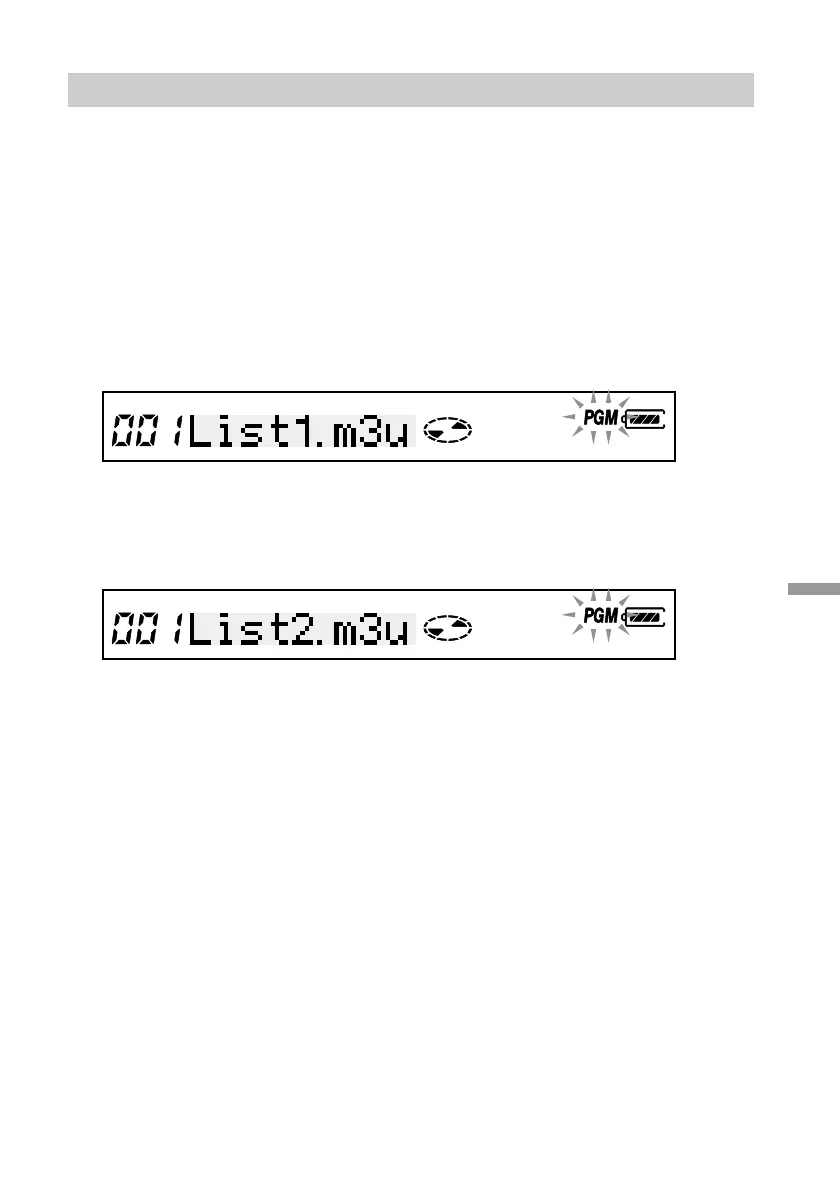
1 During playback, press the remote control PLAY MODE button until the playlist
file name appears on the remote control display.
2 If there are several playlists on your media, turn the control knob N/> until
the desired playlist appears on the remote control display.
3 Press the remote control RPT/ENT button to set the playlist.
Playback starts from the first track in the playlist.



 To Next Page