41
Continued
Advanced Features
Loop playback (Repeat)
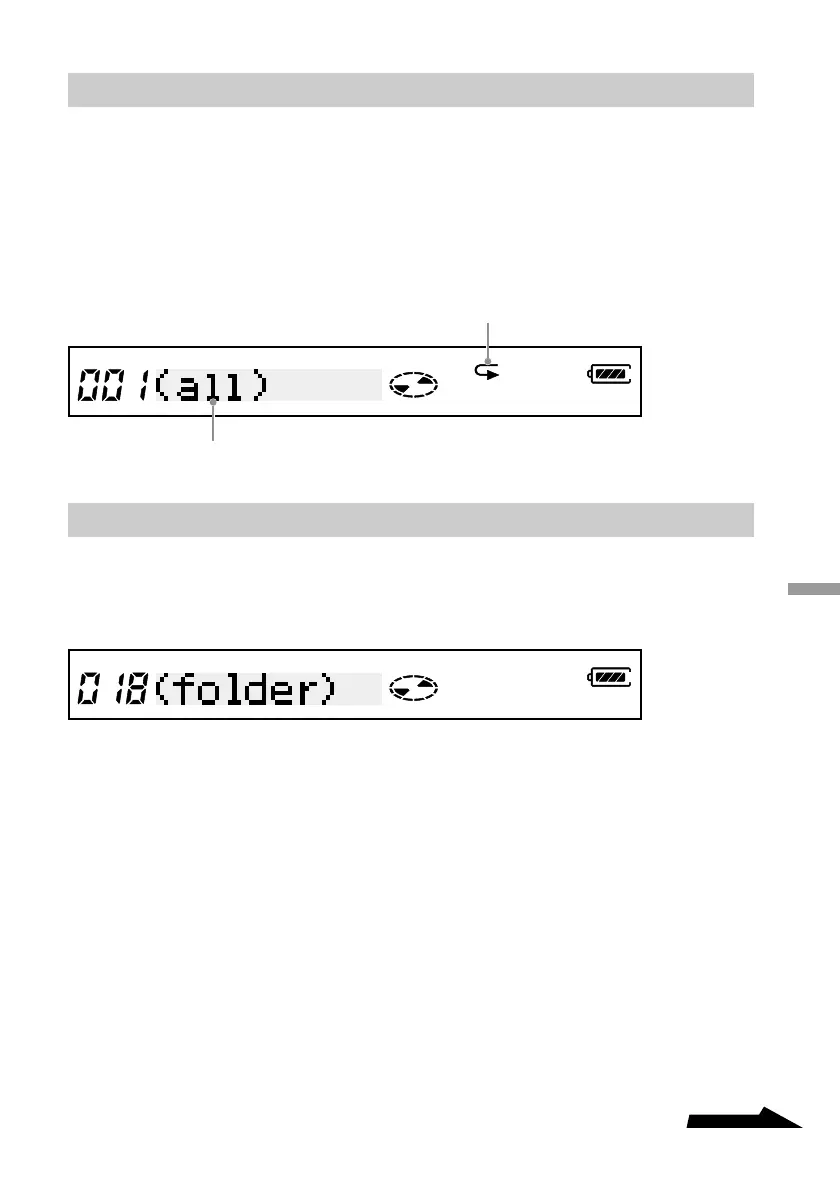
You can loop the playback of every playback mode of the drive. For example, if you
are listening to music in normal playback mode, pressing the RPT/ENT button results
in all the tracks on your disc to be repeated. Similarly, in folder playback, all the
tracks in the folder are repeated.
Pressing the RPT/ENT button during playback.
Listening to all the files in a folder (Folder playback)
Press the PLAY MODE button repeatedly until “(folder)” appears on the remote
control display.
Repeat indicator
Playback mode



 To Next Page