29
Continued
Basic Operation
Back
2
3
4
7
6
5
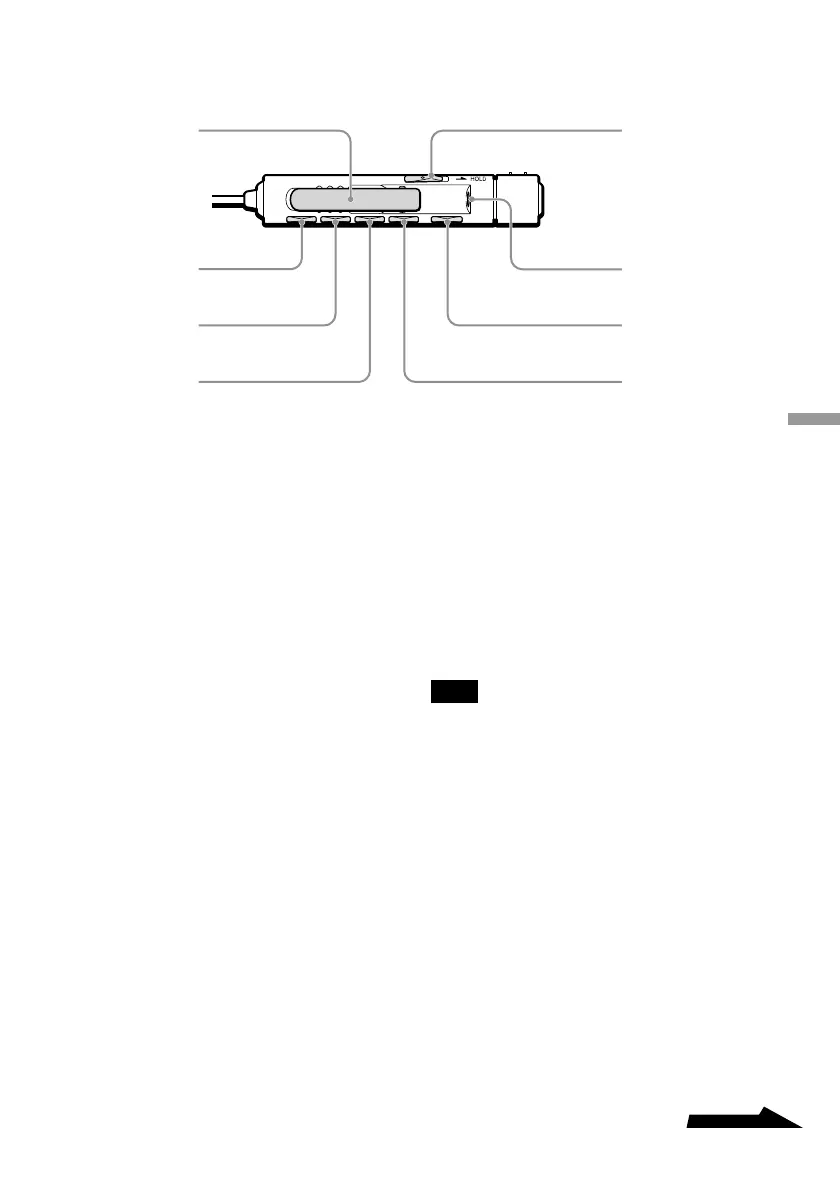
1 Clip
2 DISPLAY button
Press to change the information
displayed. (Page 46)
3 PLAY MODE button
Press to change the playback mode.
(Page 40)
4 RPT/ENT (Repeat/Enter)
button
Press to enter repeat mode or when
programming tracks. (Page 40)
5 SOUND button
Press to adjust the playback tone
according to the type of music that
you are listening to. (Page 47)
6 X (pause) button
Press to pause playback. (Page 32)
7 Headphone jack
Connect your headphones to this
jack.
8 HOLD switch
Locks the controls on the remote
control to prevent accidental use.
(Page 48)
Note
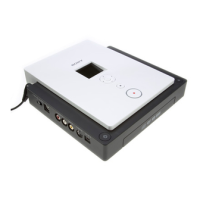
You may not be able to use the remote control
provided with this drive with other CD players.
Further, we do not guarantee proper operation of
the drive if you use it with another remote control.



 To Next Page