10
SERVICE MODE
This set provides various modes for the service.
Enter the service mode through the procedure given below, and select the desired mode.
Procedure:
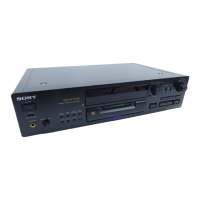
1. Press the x (CD), x (MD) and [YES] buttons at the same time.
2. Press the [ AMS ] (MD) knob and x (MD) button to display “ <To Normal> 0”.
3. At this time, turn the [ AMS ] (MD) knob can select all modes. For the contents of mode, see the following table.
4. To exit from the service mode, turn [ AMS ] (MD) knob to display “<To Normal> 0”, then press the [ AMS ] (MD)
knob.
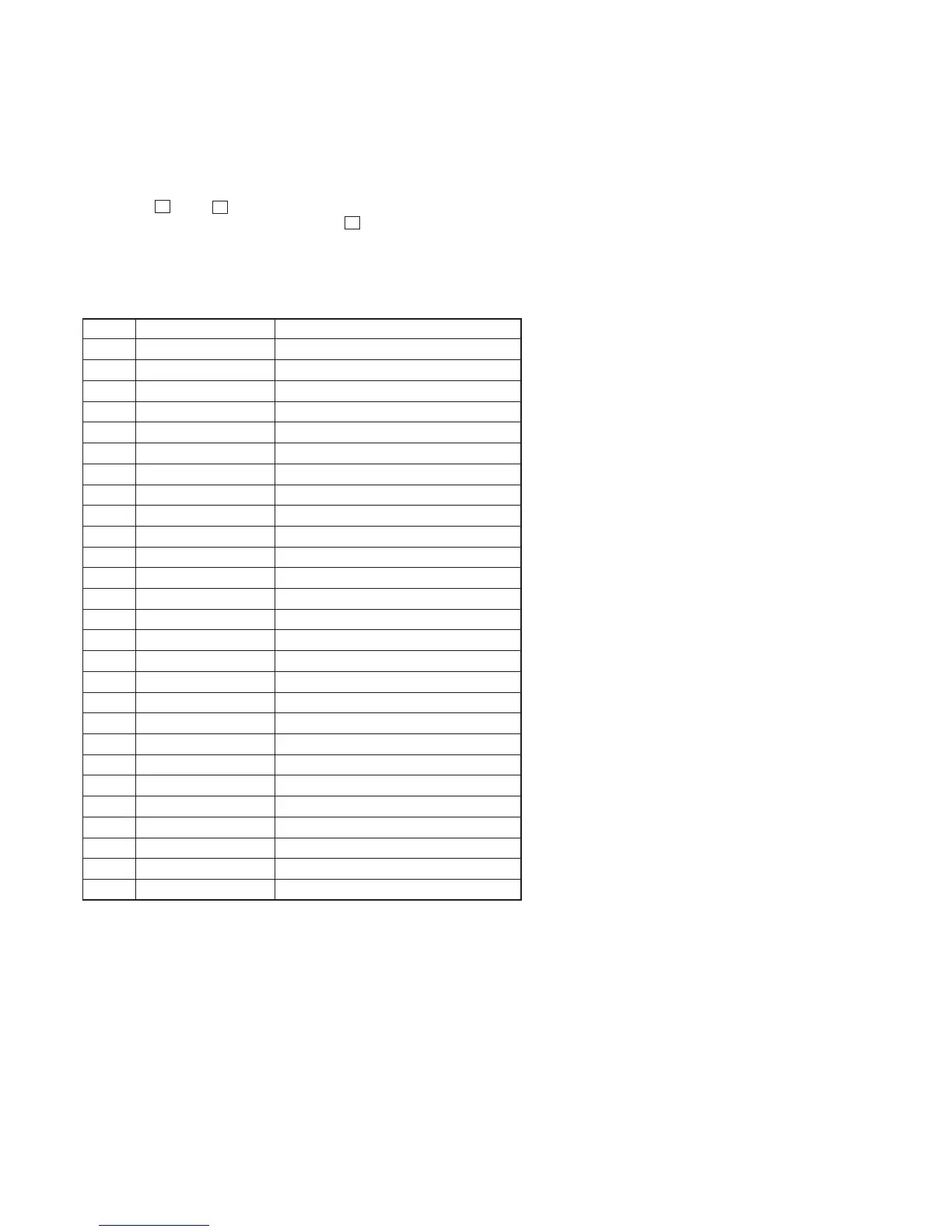
Contents of test mode
lL
No. Display Function
0 <To Normal> 0 Exit from test mode
1 <Version> 1 Microcomputer Version display
2 <FLD> 2 FL display test & LED display test
3 <Key, Jog> 3 Key/Jog input test
4 <CD Test> 4 CD all sorts test
5 0> COMMAND Command transfer menu
6 1> ERROR C1, C2 error display
7 2> SPEED X1 Disc speed selection
8 3> ISRC ISRC display
9 4> CHECK8 Check 8 cm display
10 5> AUTO G Auto gain display
11 6> HENSHIN Decentiering display
12 7> PORT Port selection
13 8> AMS ON AMS display
14 9> TRK ON TRK ON/OFF display
15 <MD Test> 5 MD all sorts test
16 <Retry & TOC> 6 MD TOC off & Retry test
17 <PC LINK> 7 PC connection check
18 <Initial> 8 All reset
19 <MD Update> 9 Software update
20 <Sircs> 10 Sircs code mode
21 <Dump> 11 Microcomputer Dump mode
22 <CD Aging> 12 CD aging
23 <Rep 5 off> 13 Cancel restriction of repeat five times
24 <KeyBoard> 14 Keyboard check
25 <Special> 15 Command, Sircs test
33 <CD ship> 16 Shipment mode
lL
lL
lL



 To Next Page