Using a Floppy Disk Drive (optional)
41
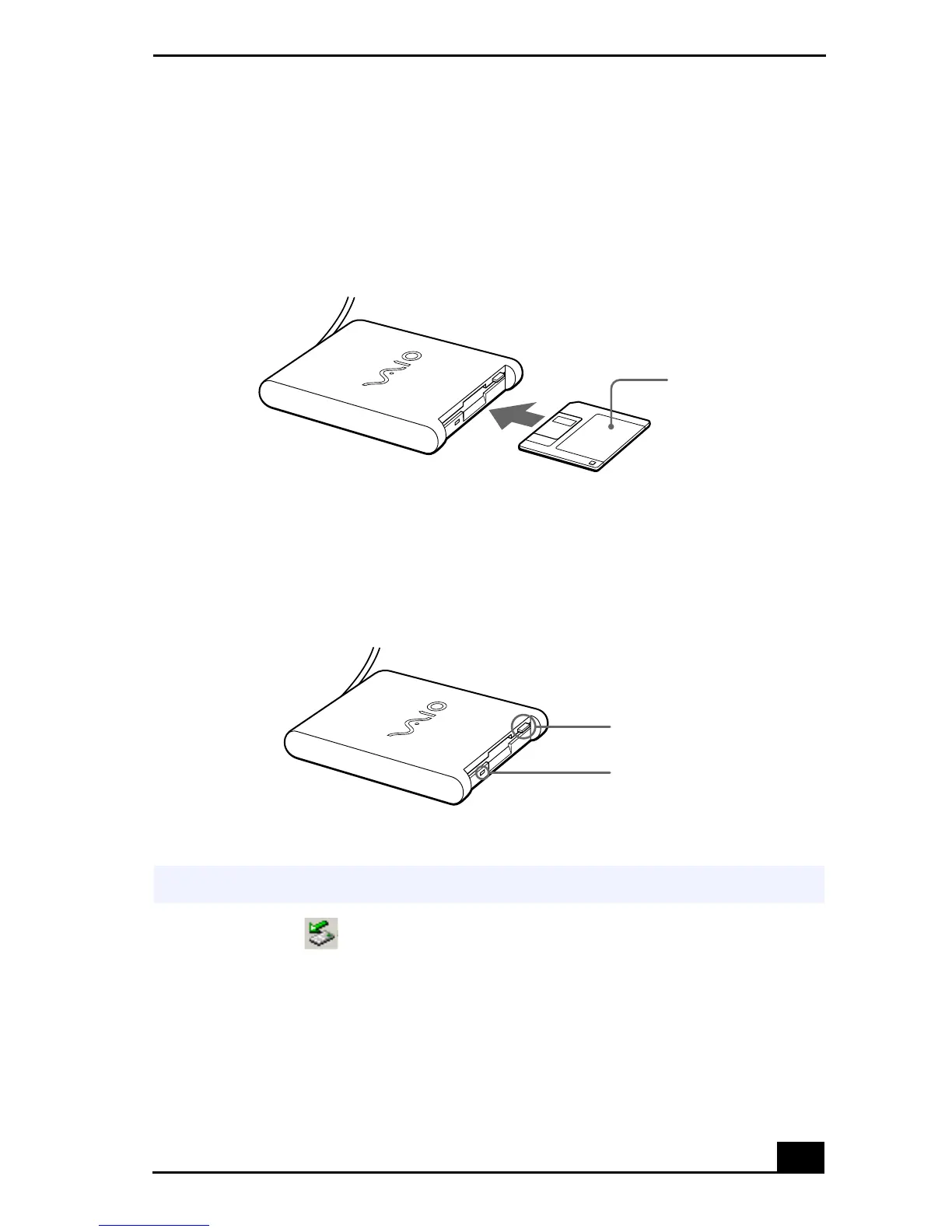
To Insert a Diskette
1
Hold the diskette with the label side facing up.
2
Gently push the diskette into the drive until it clicks into place.
To Remove a Diskette
❑
When you finish using the diskette, wait until the LED indicator turns off
and then press the Eject button to remove the diskette.
Removing a Floppy Disk Drive When the Computer is On
1
Double-click in the task tray.
2
The “Unplug or Eject Hardware” dialog displays.
3
Select the hardware device you wish to remove by clicking it.
4
Click Stop.
Inserting a Diskette
Removing a Diskette
✍
If your computer is turned off, you do not have to follow these instructions.
Diskette
Floppy disk drive
Eject button
LED indicator









 To Next Page