VAIO® Notebook User Guide
62
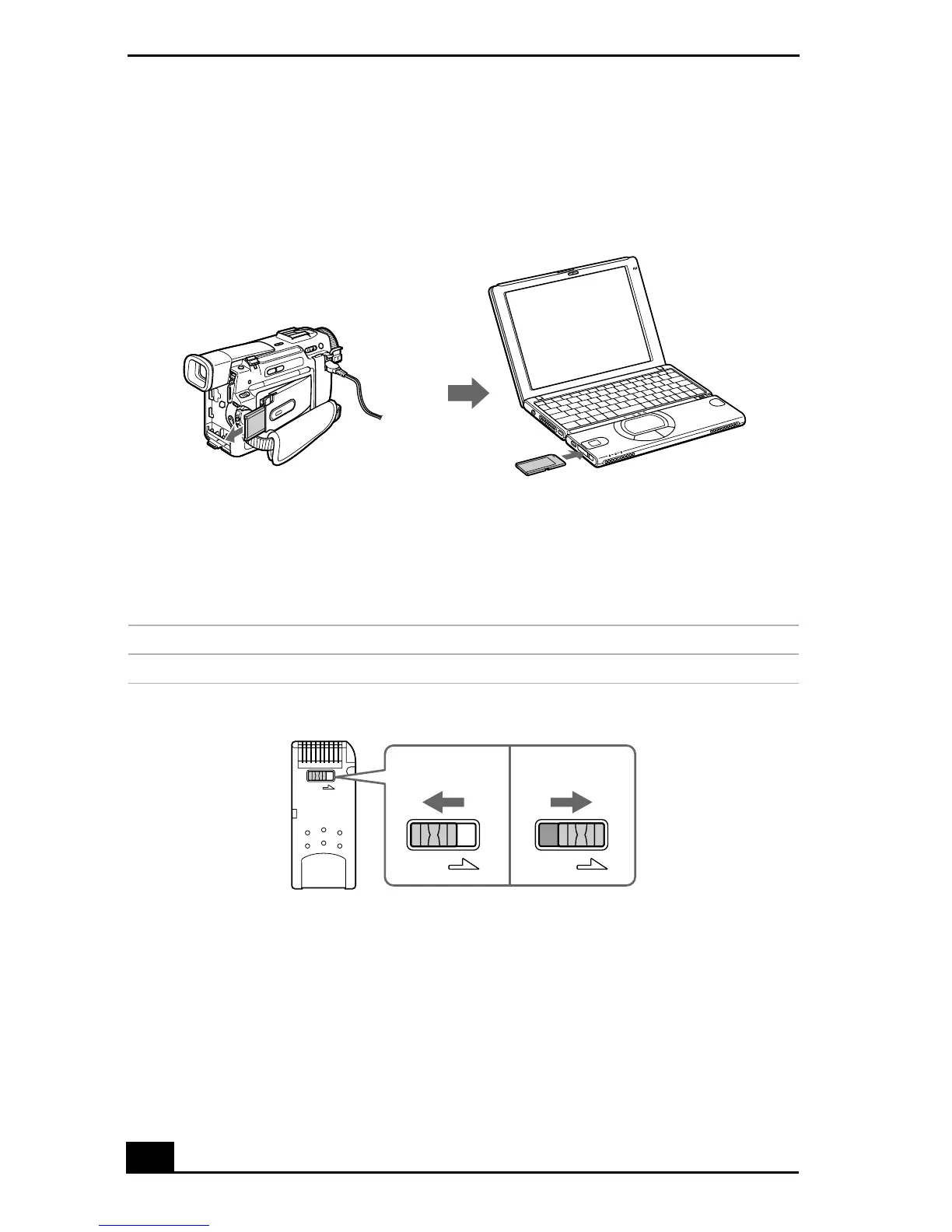
For more details on using compatible devices with MG Memory Stick media,
refer to the instructions that came with your compatible device, or use
PictureGear Help.
Write-Protecting a Memory Stick Media
Memory Stick
media is designed with a write-protect tab to protect valuable data
from accidental erasure or overwriting. Move the tab to the right or left to set or
release write-protection.
Using a Compatible Device
Write-protect off Data can be saved on the Memory Stick media.
Write-protect on Data can be read from but not saved on the Memory Stick media.
Using the Write-protect Tab
(Back of Memory Stick media)









 To Next Page