Connecting the CD/DVD Drive (optional)
45
To Insert a Disc
1
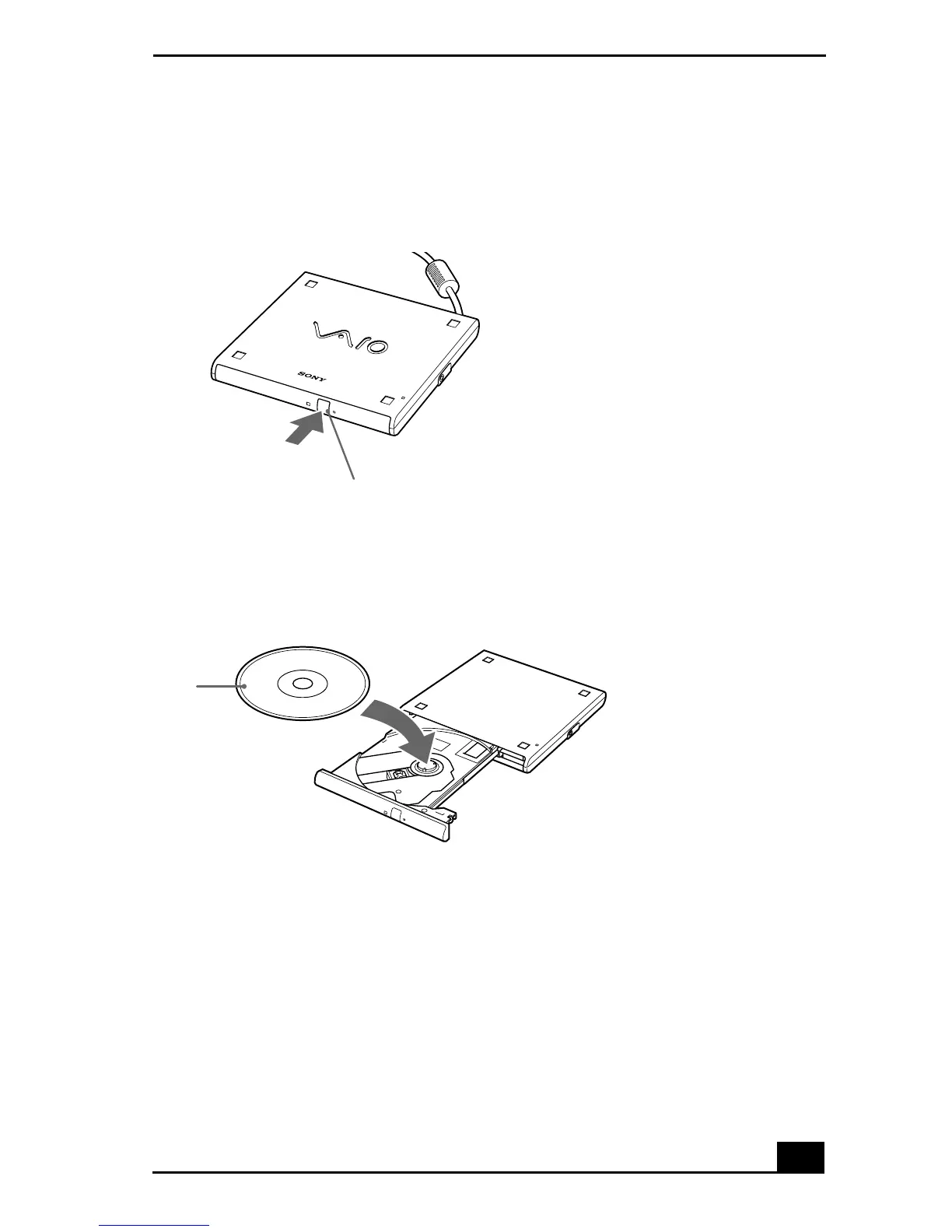
Press the Eject button. The disc tray slides out.
2
Place the disc in the tray with the label side facing up. Push the disc onto the
hub until the disc clicks into place.
3
Close the tray by pushing it gently. The BUSY indicator on the drive flashes
while your notebook is reading data from the disc.
Using the CD-ROM Drive
Inserting a Disc
Eject button
Disc









 To Next Page