Using PC Cards
49
To Remove a PC Card When the Computer is on.
1
Double-click in the task tray.
2
The “Unplug or Eject Hardware” dialog displays.
3
Select the hardware device you wish to remove by clicking it.
4
Click Stop.
5
Confirm the correct device is selected in the “Stop a hardware device” dialog
box.
6
The message, “PC Card can now be safely removed from the system”
appears. Click OK.
7
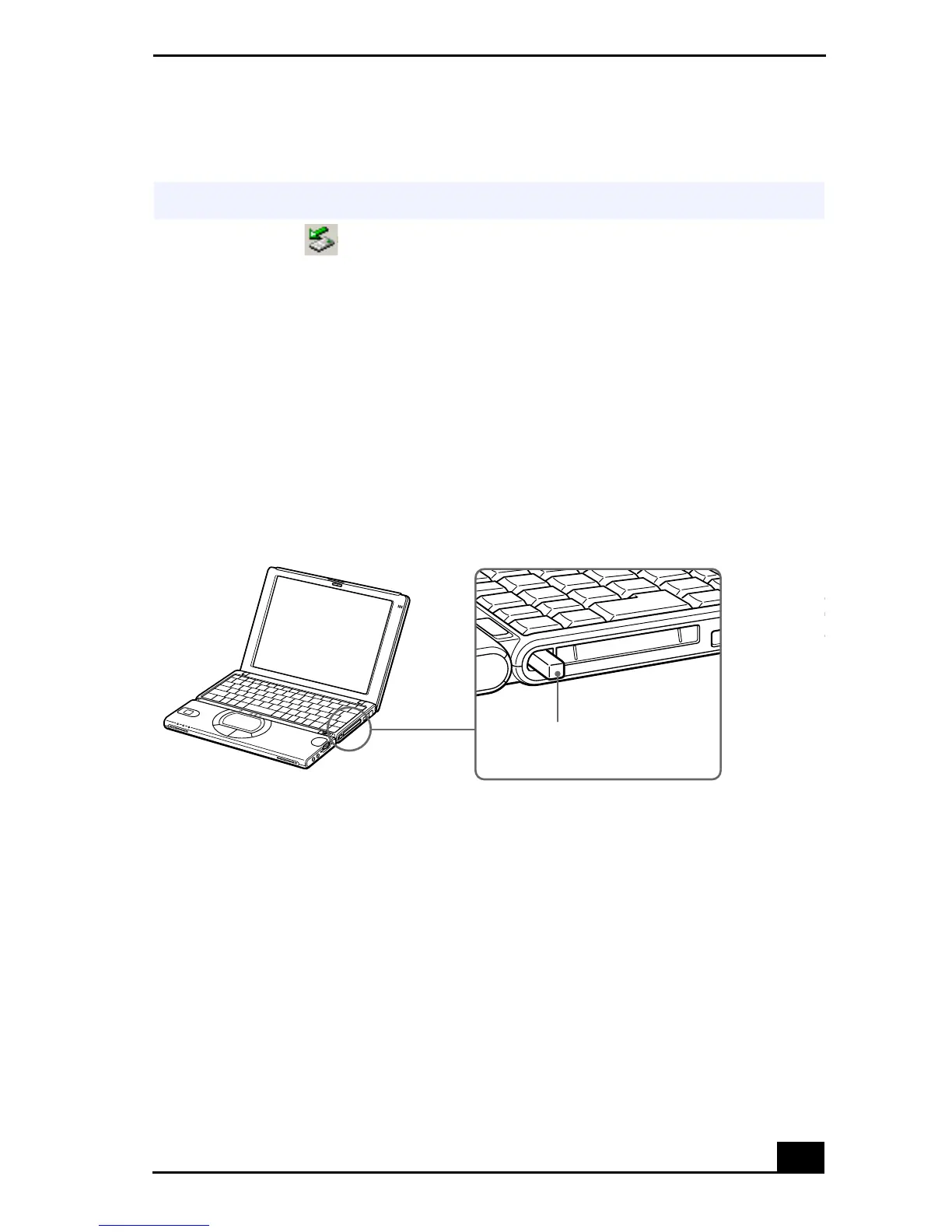
Gently grasp the card and pull it out.
8
Insert the PC card slot protector into the empty slot.
✍
If your computer is turned off, you do not have to follow these instructions.
Removing a PC Card
Release button









 To Next Page