VAIO® Notebook User Guide
84
8
Close the display panel and replace the six (6) screws on the bottom of the
notebook.
9
Use the Phillips (+) screwdriver to tighten all six screws at the locations
shown below.
Removing a Memory Module
1
Turn off the notebook and all peripheral devices. Disconnect the power cord
and all cables from the notebook, and then remove the battery.
2
Perform Steps 2 and 3 for “Installing a Memory Module.” The notebook
interior becomes extremely hot during operation. Wait about one hour for the
notebook to cool down before you remove the screws.
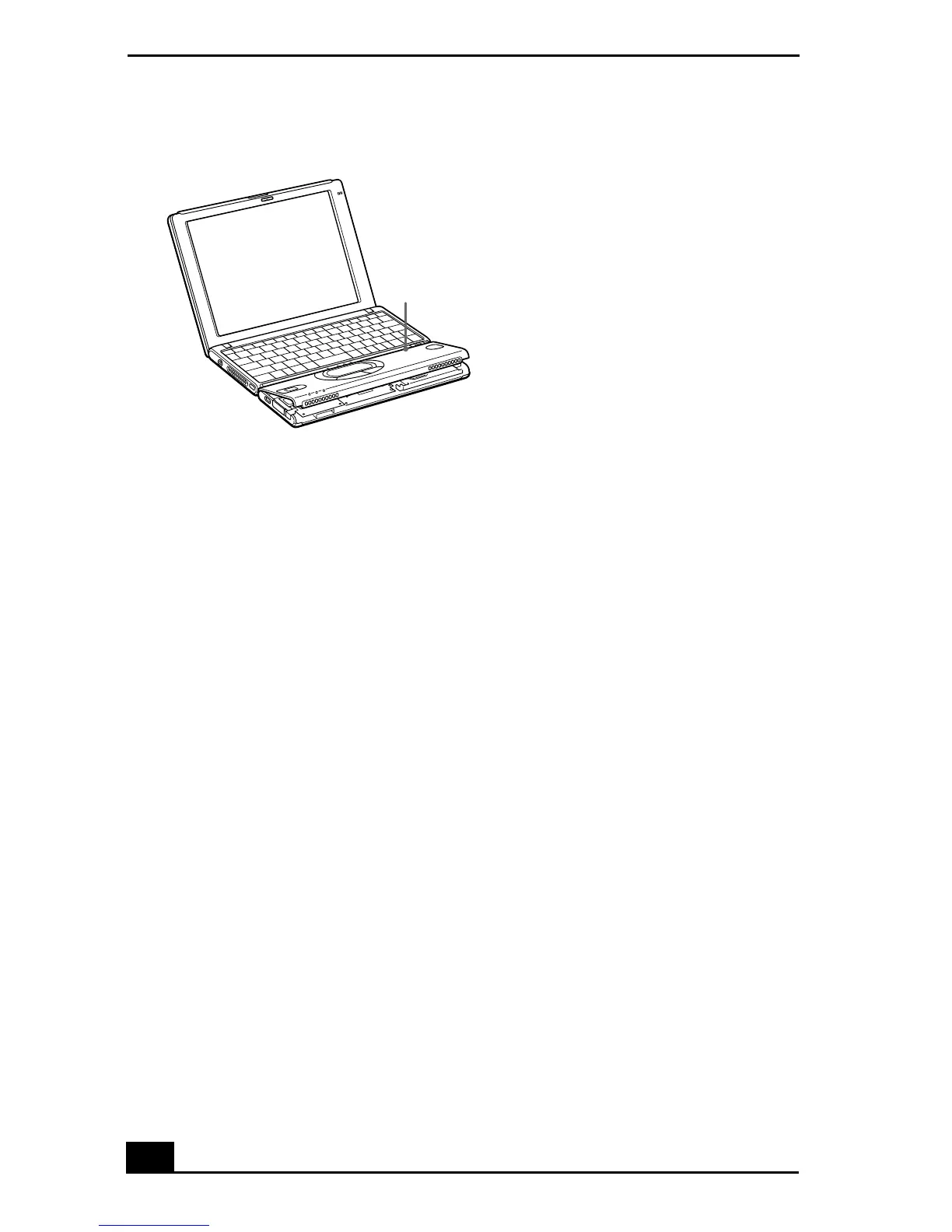
Aligning the Palm Rest
Notch on keyboard









 To Next Page