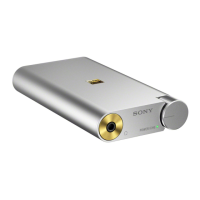
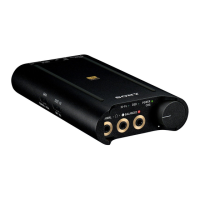
Portable Headphone Amplifier
PHA-3
Power source
Charging the battery via a computer
Connect the headphone amplifier to a computer using the micro-USB cable (supplied) to charge the battery.
Charging the battery via an AC outlet
The battery can be charged via an AC outlet by using the recommended USB AC adaptor (AC-UD20) (sold separately).
Turning the power on
How to turn the headphone amplifier on.
Turning the power off
How to turn the headphone amplifier off.
Checking the battery level
You can check the battery level with the POWER/CHG indicator.
4-547-524-11(4)
Copyright 2014 Sony Corporation
Help Guide
How to Use








 To Next Page