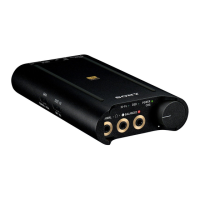
Portable Headphone Amplifier
PHA-3
Connecting to a digital output supported WALKMAN
By using the digital cable for WALKMAN (supplied), the headphone amplifier can amplify the signal directly without the
built-in amplifier of the WALKMAN.
Compatible WALKMAN models
NWZ-A10 series, NWZ-ZX1 and NWZ-F880 series (as of July 2014)
For the latest compatible models, access the following URL:
http://www.sony.com/support/
When connecting a WALKMAN other than the compatible models mentioned above, follow the connecting method
described in “Connecting to WALKMAN models unsupported by digital-out.”
1. Turn on the WALKMAN.
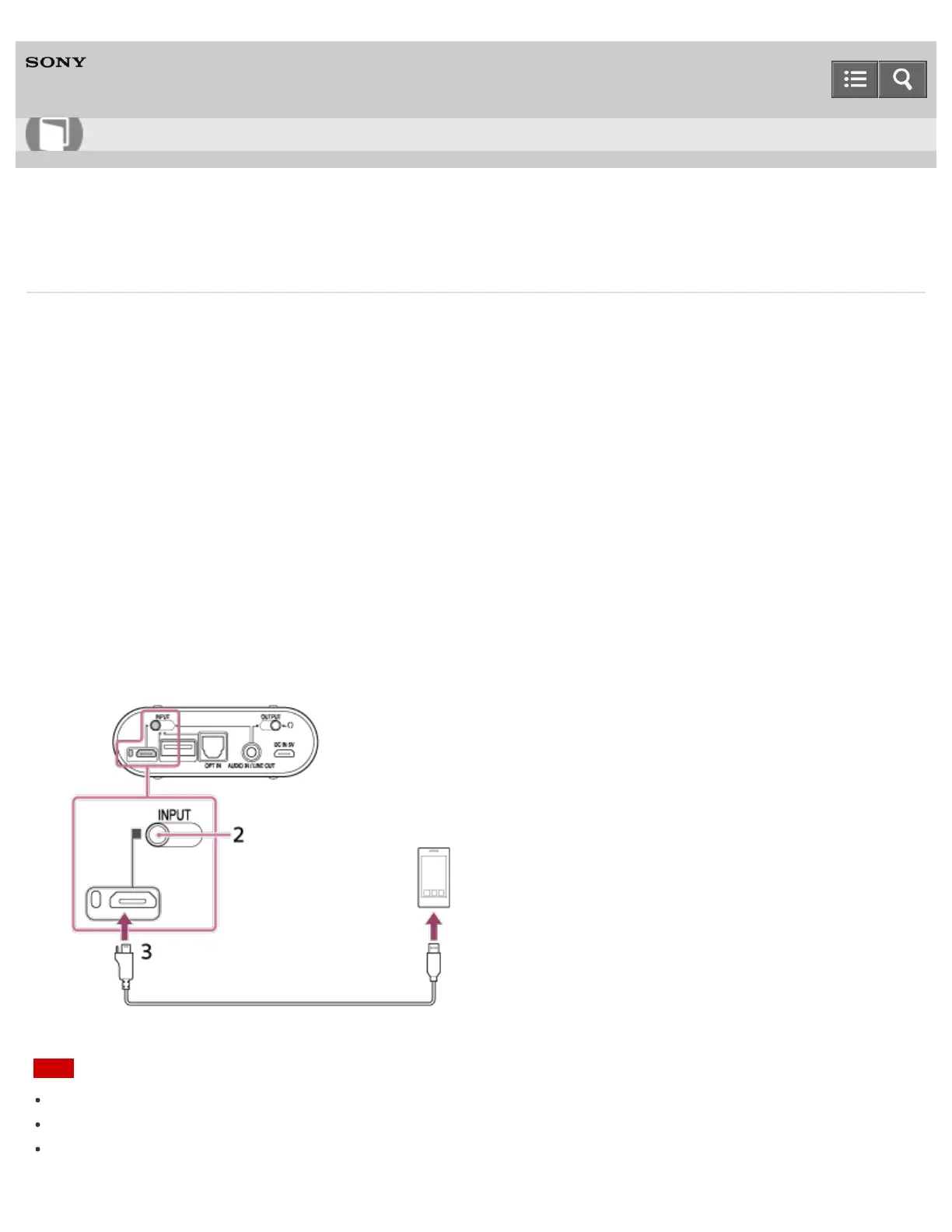
2. Set the INPUT select switch to the position of the Xperia/WALKMAN/PC (USB AUDIO) connecting port (left edge
position).
3. Connect the WALKMAN to the Xperia/WALKMAN/PC (USB AUDIO) connecting port using the digital cable for
WALKMAN (supplied).
Note
The headphone amplifier only supports the audio playback function of a WALKMAN.
Turn on your WALKMAN before operating the headphone amplifier.
Some operations may not be possible with the headphone amplifier, even if you use a supported WALKMAN.
Help Guide
How to Use








 To Next Page