Portable Headphone Amplifier
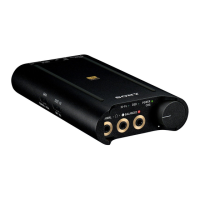
PHA-3
Turning the power off
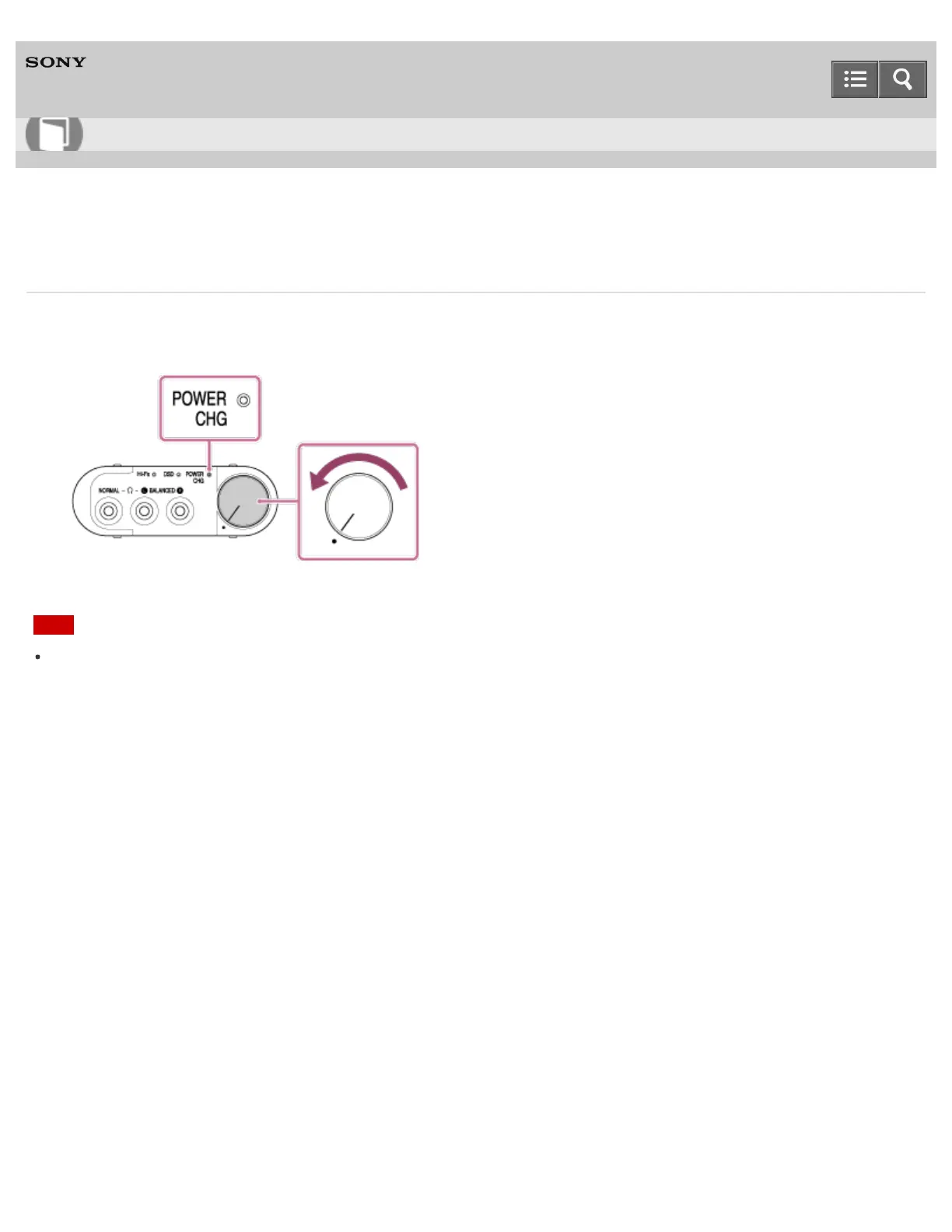
1. Rotate the power/volume knob counterclockwise until it clicks.
The POWER/CHG indicator turns off.
Note
The POWER/CHG indicator lights up in red when the DC IN 5V port is connected to your computer or the USB AC
adaptor (sold separately). The indicator turns off when battery charge is completed.
4-547-524-11(4)
Copyright 2014 Sony Corporation
Help Guide
How to Use








 To Next Page