Portable Headphone Amplifier
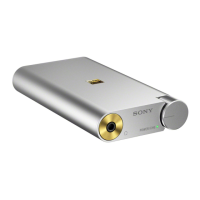
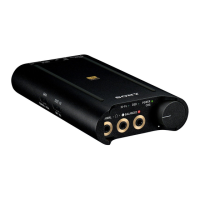
PHA-3
Installing “Hi-Res Audio Player” on a computer
To play back the High-Resolution Audio format files on your computer (Windows/Mac) with the headphone amplifier, you
need to download and install “Hi-Res Audio Player” on the computer.
1. Visit the following support website, then download and install “Hi-Res Audio Player” on your computer.
http://www.sony.com/support/
For details on installing, refer to the download pages.
Related Topic
About High-Resolution Audio format files
4-547-524-11(4)
Copyright 2014 Sony Corporation
Help Guide
How to Use








 To Next Page