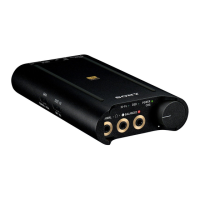
Portable Headphone Amplifier
PHA-3
Installing the driver software on a Windows computer
To play back the music files on your Windows computer with the headphone amplifier, you need to download and install
the driver software for Windows “Sony USB Device Driver” on the computer.
1. Visit the following support website, then download and install the driver software for Windows “Sony USB Device
Driver” on your Windows computer.
http://www.sony.com/support/
For details on installing, refer to the download pages.
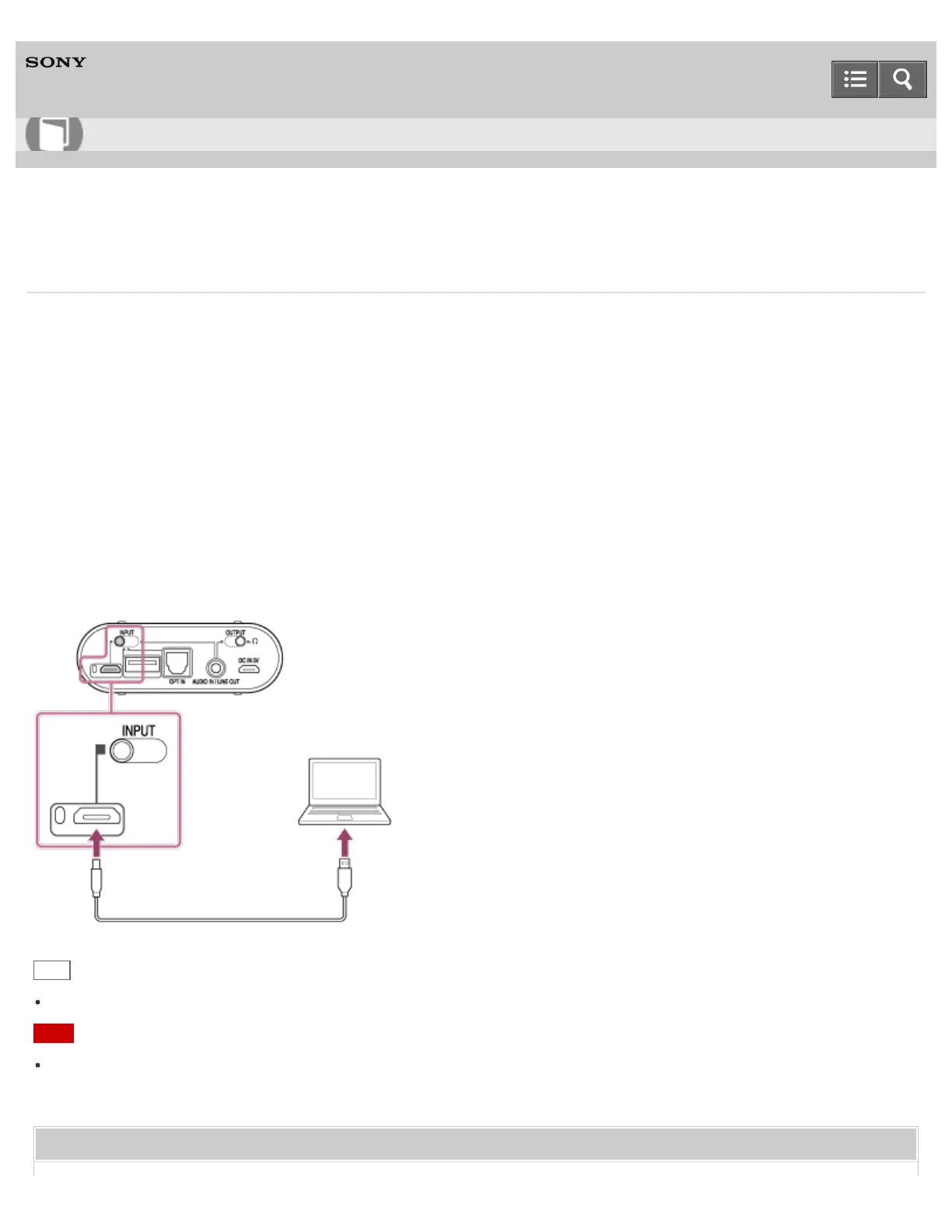
The headphone amplifier needs to be connected to your Windows computer at a certain point while installing the driver
software.
In this case, connect the Windows computer to the Xperia/WALKMAN/PC (USB AUDIO) connecting port of the
headphone amplifier using the micro-USB cable (supplied).
Hint
There is no need to install the driver software on a Mac computer.
Note
If the driver software is not installed on your Windows computer, music files cannot be played back via the headphone
amplifier.
Related Topic
Help Guide
How to Use








 To Next Page