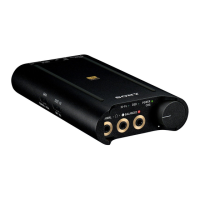
Portable Headphone Amplifier
PHA-3
Connecting to a PCM recorder, etc.
You can connect the headphone amplifier to a device with the optical out jack, such as a PCM recorder, using a digital
optical cable (sold separately).
The headphone amplifier is compatible with High-Resolution Audio format files, up to 192 kHz/24 bit PCM.
1. Turn on the device.
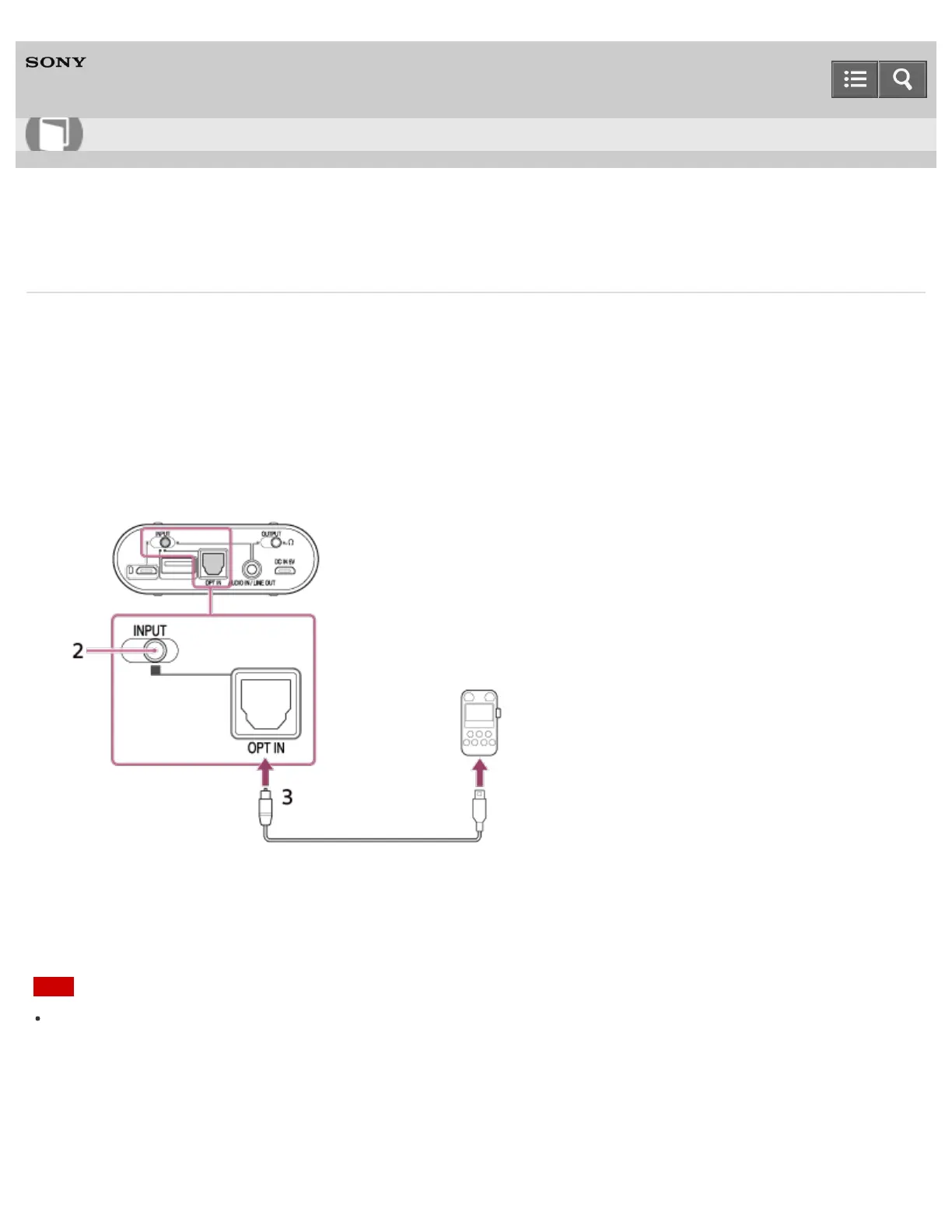
2. Set the INPUT select switch to the position of the OPT IN port (second position from the right).
3. Connect the device to the OPT IN port using a digital optical cable (sold separately).
About a digital optical cable (sold separately)
The OPT IN port of the headphone amplifier is compatible with a square plug of digital optical cable. Choose the
appropriate plug type for your device.
Note
The audio files on your device may not be played back via the headphone amplifier even though they are playable
with the device itself. This is because there is a restriction on optical media. In this case, refer to the operation manual
of your device.
4-547-524-11(4)
Copyright 2014 Sony Corporation
Help Guide
How to Use








 To Next Page