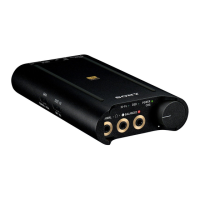
Portable Headphone Amplifier
PHA-3
Turning the power on
When using the headphone amplifier for the first time, charge its battery beforehand.
Connect the headphone amplifier to your booted computer using the micro-USB cable (supplied).
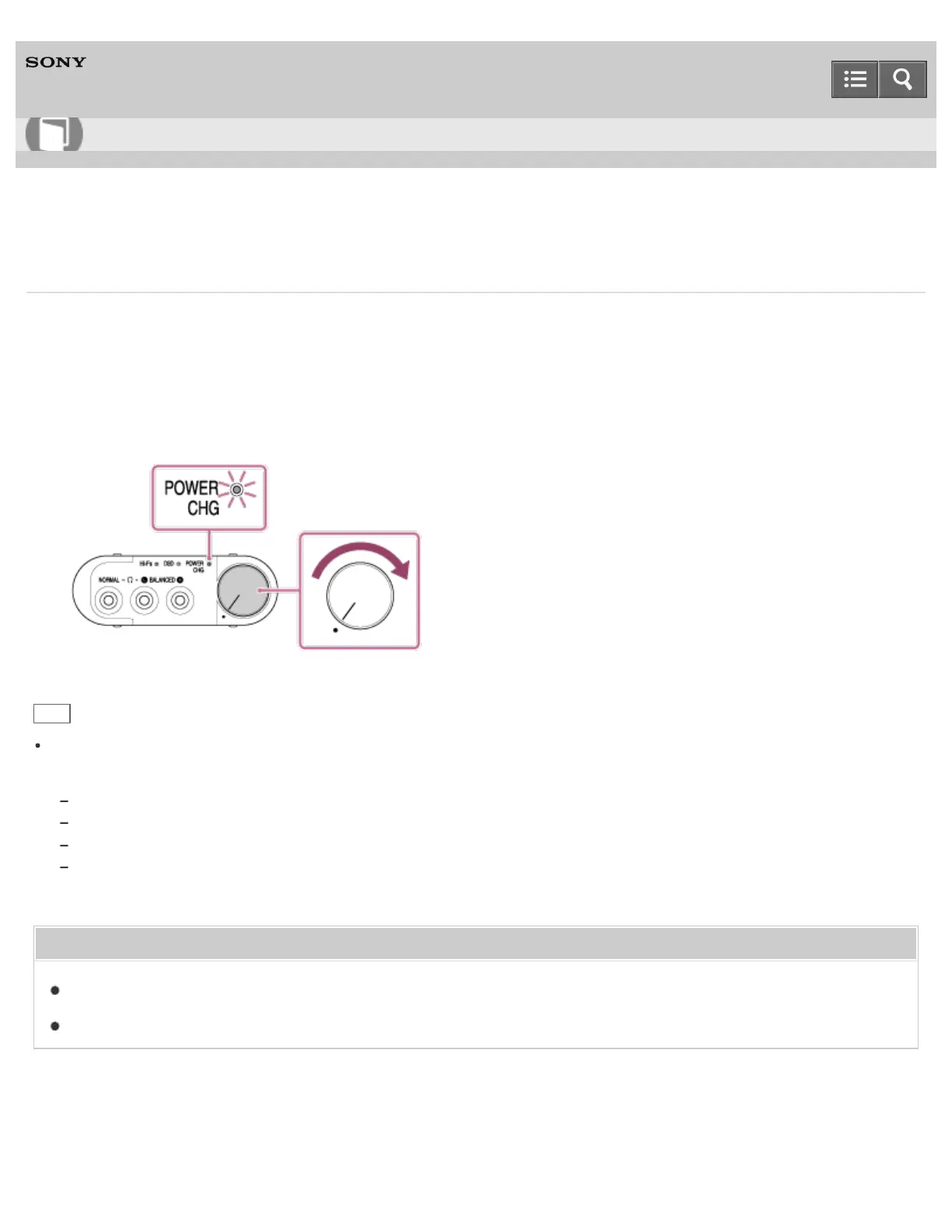
1. Rotate the power/volume knob clockwise.
The POWER/CHG indicator flashes in green then lights up.
Rotate the power/volume knob further clockwise to increase the volume.
Hint
When the headphone amplifier is turned on, you can check the battery level by the number of times the POWER/CHG
indicator flashes in green.
Flashes three times: Substantially charged
Flashes twice: Half charged
Flashes once: Battery level is low. It is necessary to charge the battery.
Always flashing: It is necessary to charge the battery. If you continue to use the headphone amplifier without charging, it
will turn off automatically.
Related Topic
Charging the battery via a computer
Charging the battery via an AC outlet
4-547-524-11(4)
Copyright 2014 Sony Corporation
Help Guide
How to Use








 To Next Page