The Radio20
GB
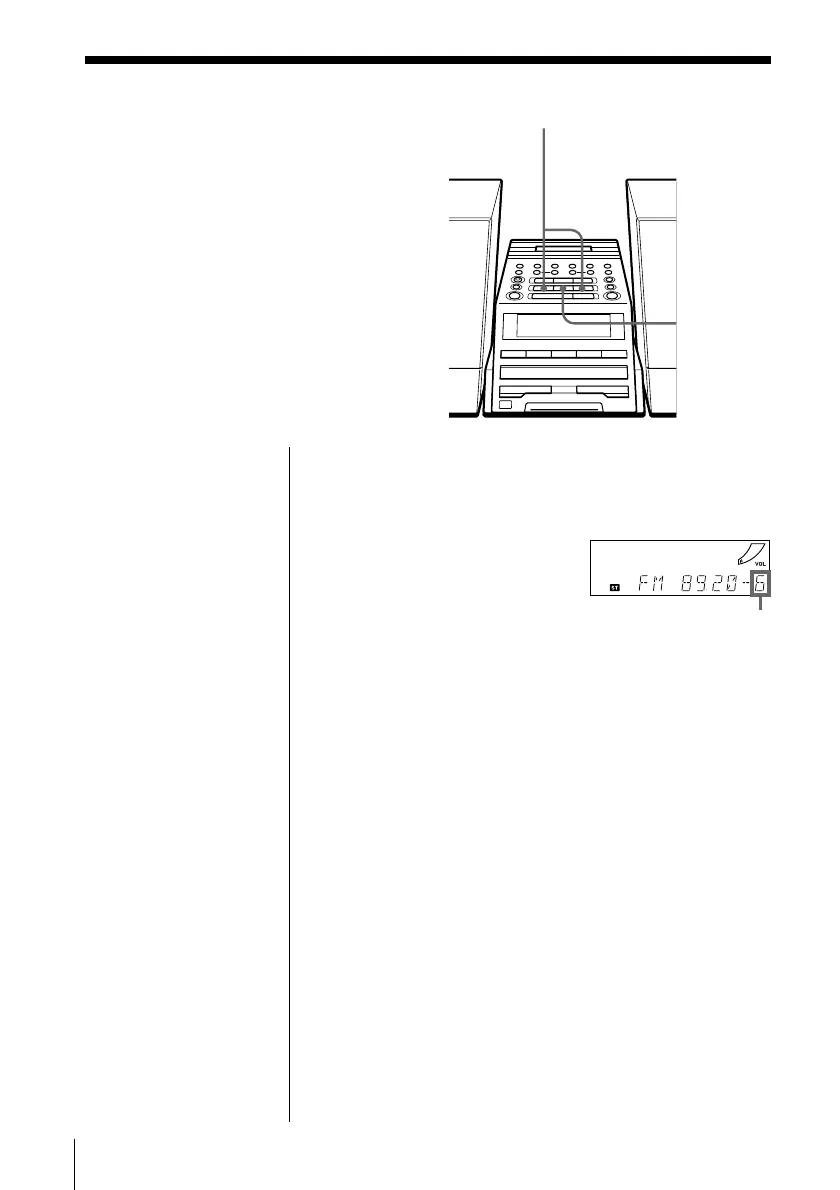
Playing preset
radio stations
Once you've preset the stations, use the
number buttons on the remote or
PRESET +, – on the player to tune in
your favorite stations.
BAND
1 Press BAND to select the band.
2 Press PRESET + or – to display the preset number
of the station you want.
On the remote
1 Press BAND to select
the band.
2 Press the number
button to display the
preset number of the
station you want.
Preset number
PRESET –, +


 To Next Page