Setting Up44
GB
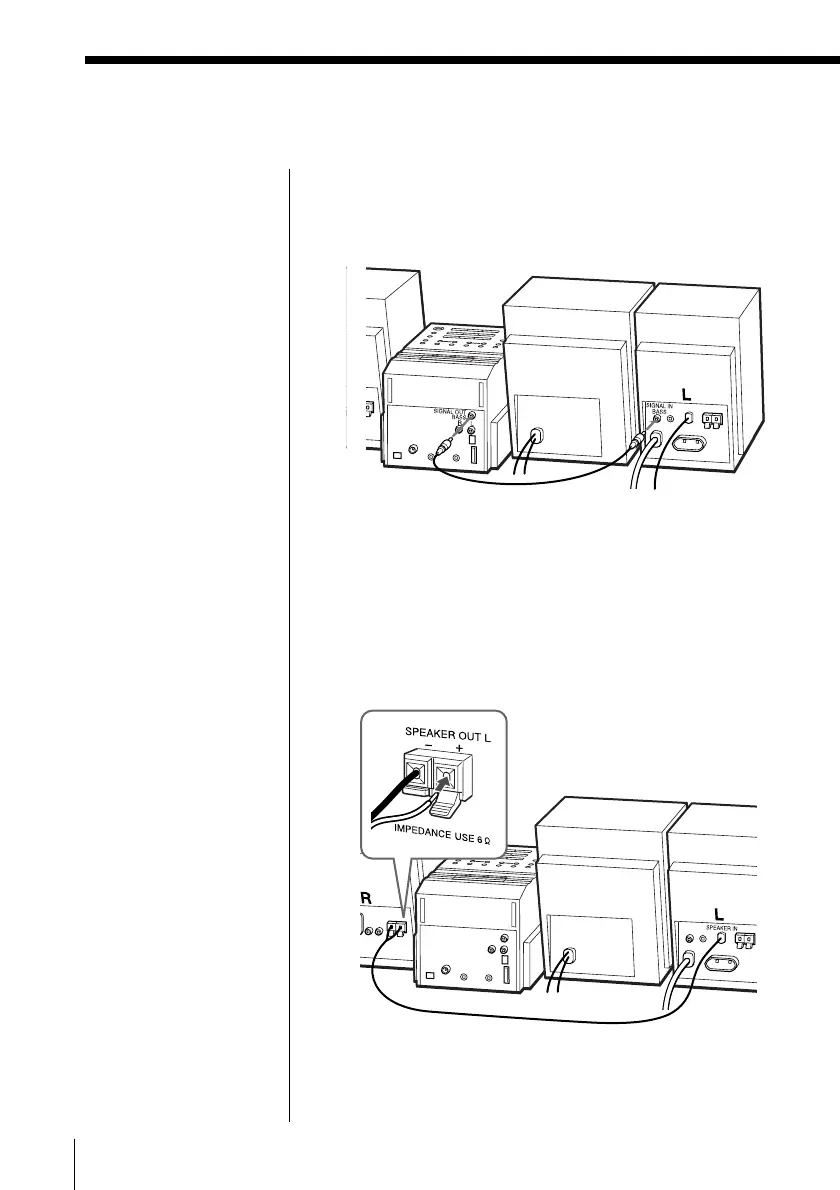
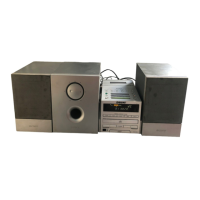
3 Connect the audio connecting cord to the SIGNAL
OUT BASS jack of the player and to the SIGNAL
IN BASS jack of the left speaker.
4 Connect the speaker cord of the SPEAKER IN on
the left speaker to the SPEAKER OUT L terminals
of the right speaker.
1 Push down the tab of the terminal.
2 Connect the red wire to the (+) plus terminal,
and the black wire to the (–) minus terminal.
3 Push the tab of the terminal up.
Hooking up the system (PMC-DR70L) (continued)


 To Next Page