Setting Up 43
GB
Setting Up
Note
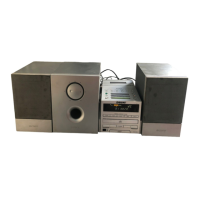
Connect the supplied
speakers to this player.
If you connect any
other speakers or
equipment, a mal-
function may occur.
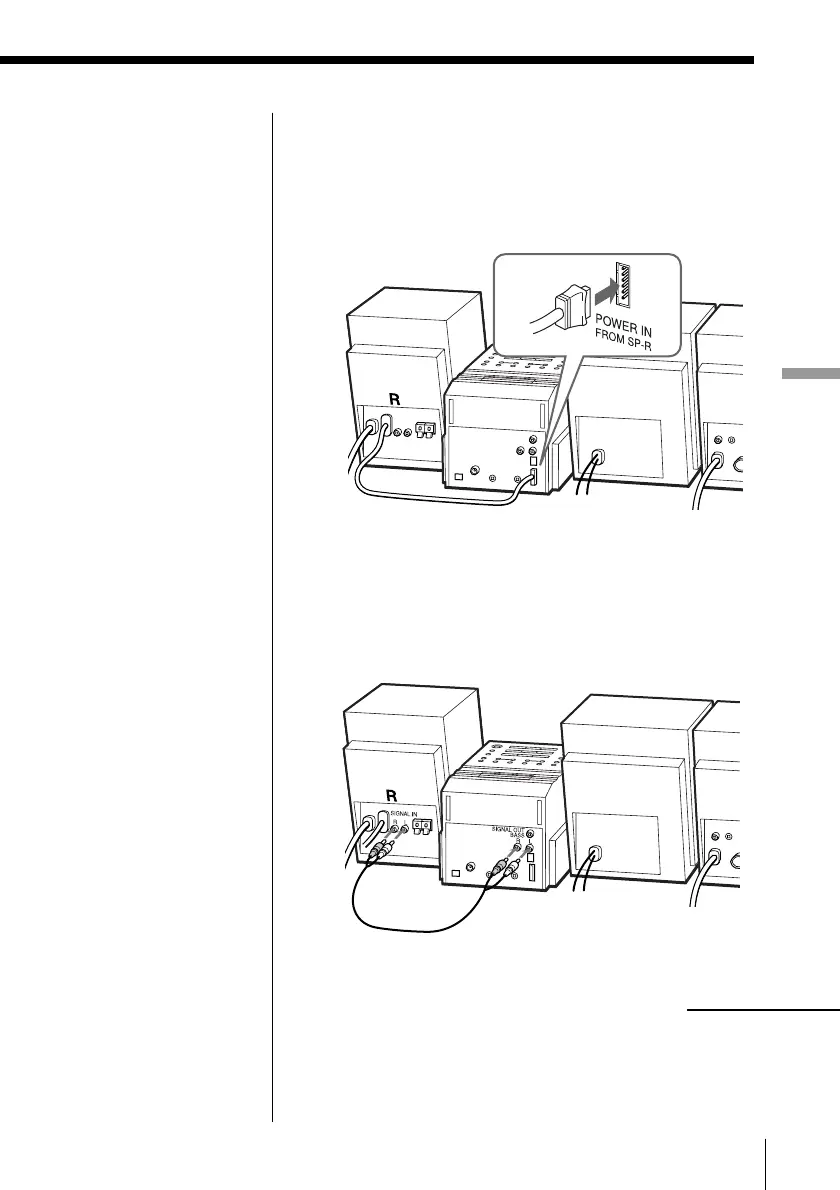
2 Connect the audio connecting cord (supplied) to
the SIGNAL OUT jacks of the player and the
SIGNAL IN jacks of the right speaker.
Connect the white plugs to the L (left) jacks and
the red plugs to the R (right) jacks.
2 Hooking up the speakers
1 Connect the power cord of the POWER OUT TO
MAIN UNIT on the right speaker to the POWER
IN FROM SP-R jack of the player.
continued


 To Next Page