Setting Up50
GB
Listening through the speakers of other audio
equipment
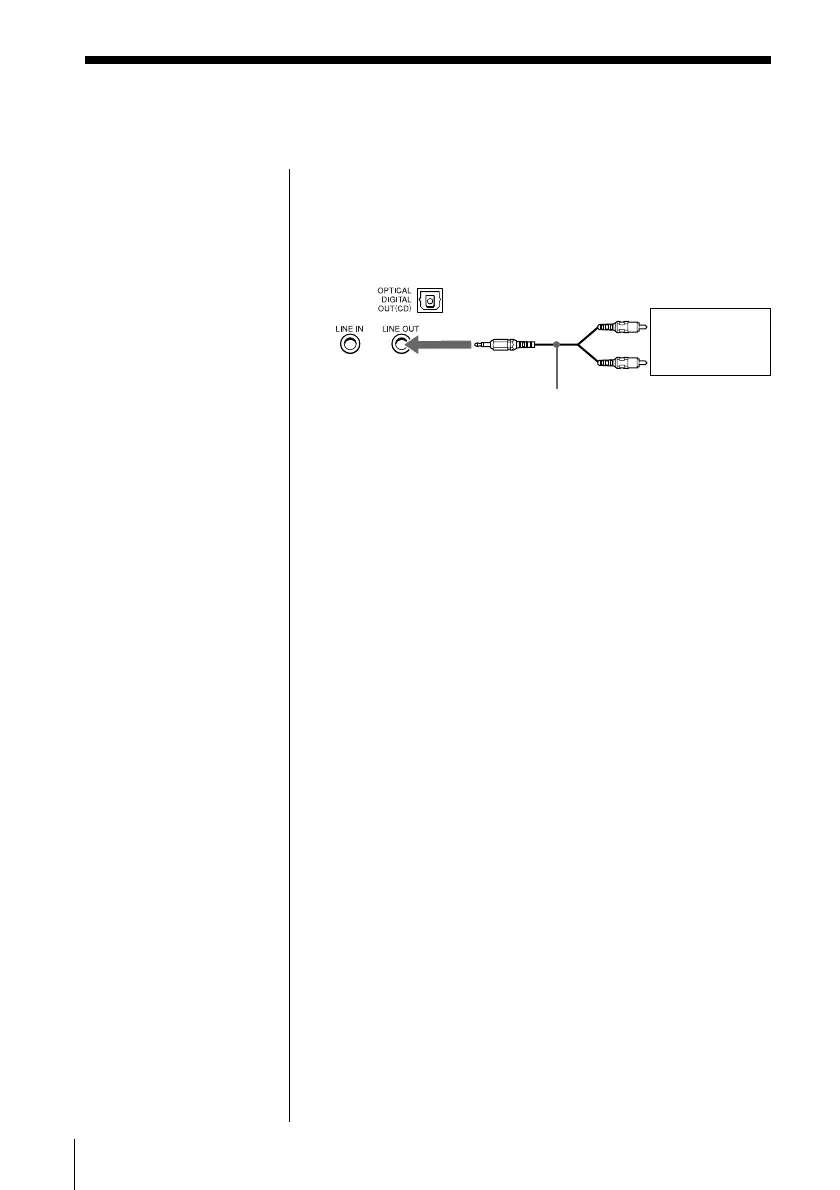
1 Connect the LINE OUT jack of this player with the
analog line input jack of the amplifier using the
audio connecting cable (not supplied) .
2 Turn on the power of this player and the amplifier
and start playing sound on this player.
Amplifier
to analog line
input jack
Audio connecting
cable RK-G129HG
(1.5 m) (not
supplied)
Rear panel of
this player
to LINE OUT
jack
Connecting optional components (continued)


 To Next Page