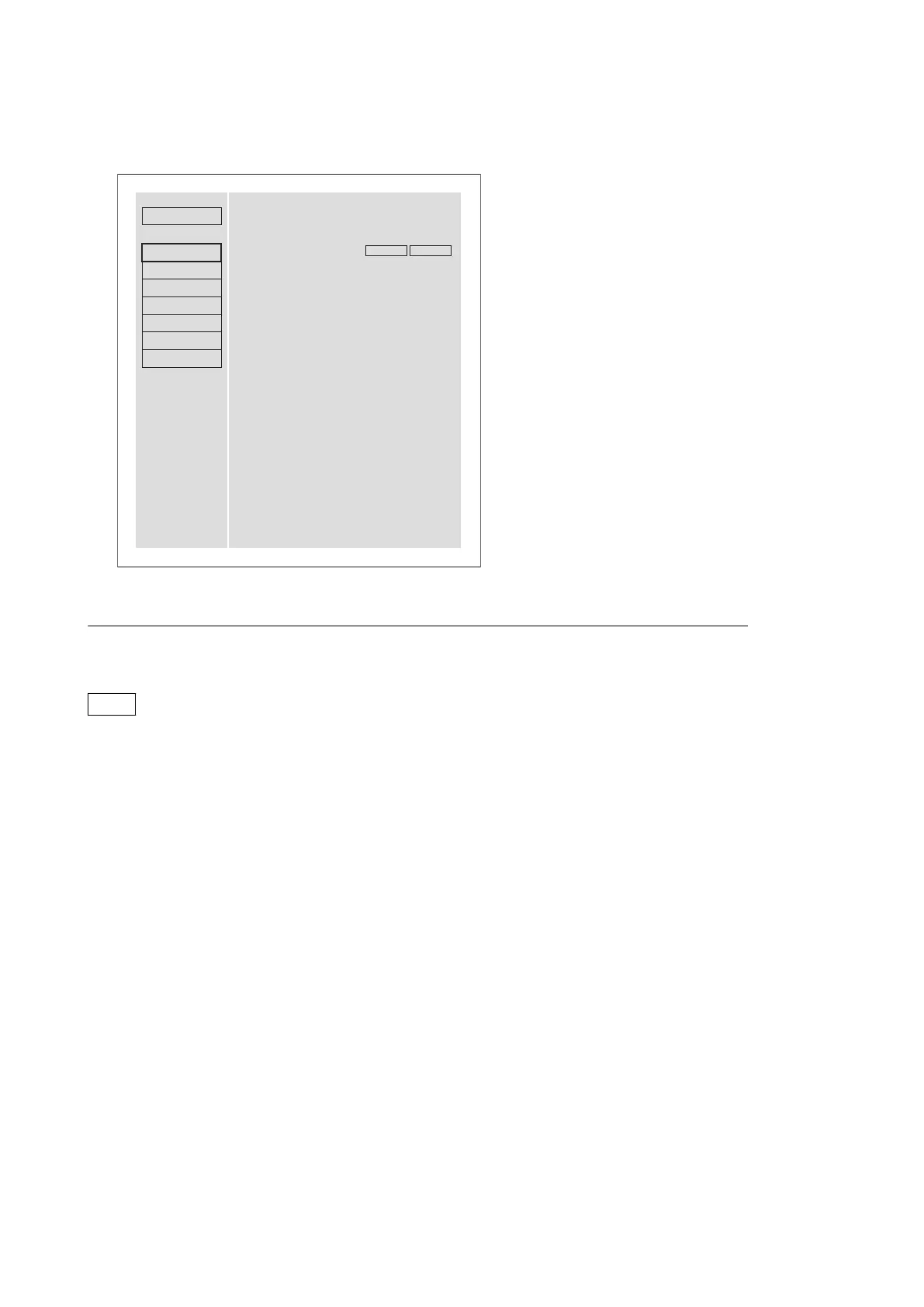
• After settings have been modified, a message that checks a reboot of the unit appears. Be sure to press the [Reboot]
button to turn off and on the power of the unit.
Status
Maintenance
Apply the network settings
Software Version
Network
SNMP
Account
Setup Menu
Software Update
Log
Warning
XDCAM
SONY
Network settings are valid after power on.
Click the “Reboot” button to restart.
Reboot
Quit
To set IP Address
An IP address can be set when DHCP is "disable."
Note
Change the DHCP settings with the maintenance menu (M50: DHCP) of the set side.
Procedure
1. Set the IP address.
2. Set the subnet mask and default gateway as needed.
3. Click the "Execute" button.
4. Click the "Reboot" button.
The unit is automatically rebooted.
5. Top page of the XDCAM web site is displayed and the network settings have been completed.
3-3-2. SNMP
You can configure the settings related to SNMP Agent of the SNMP function on this page.
Also, you can perform the setting of system information MIB-2.
PMW-1000
3-5


 To Next Page