Menu List
112
Chapter 6 Menu and Detailed Settings
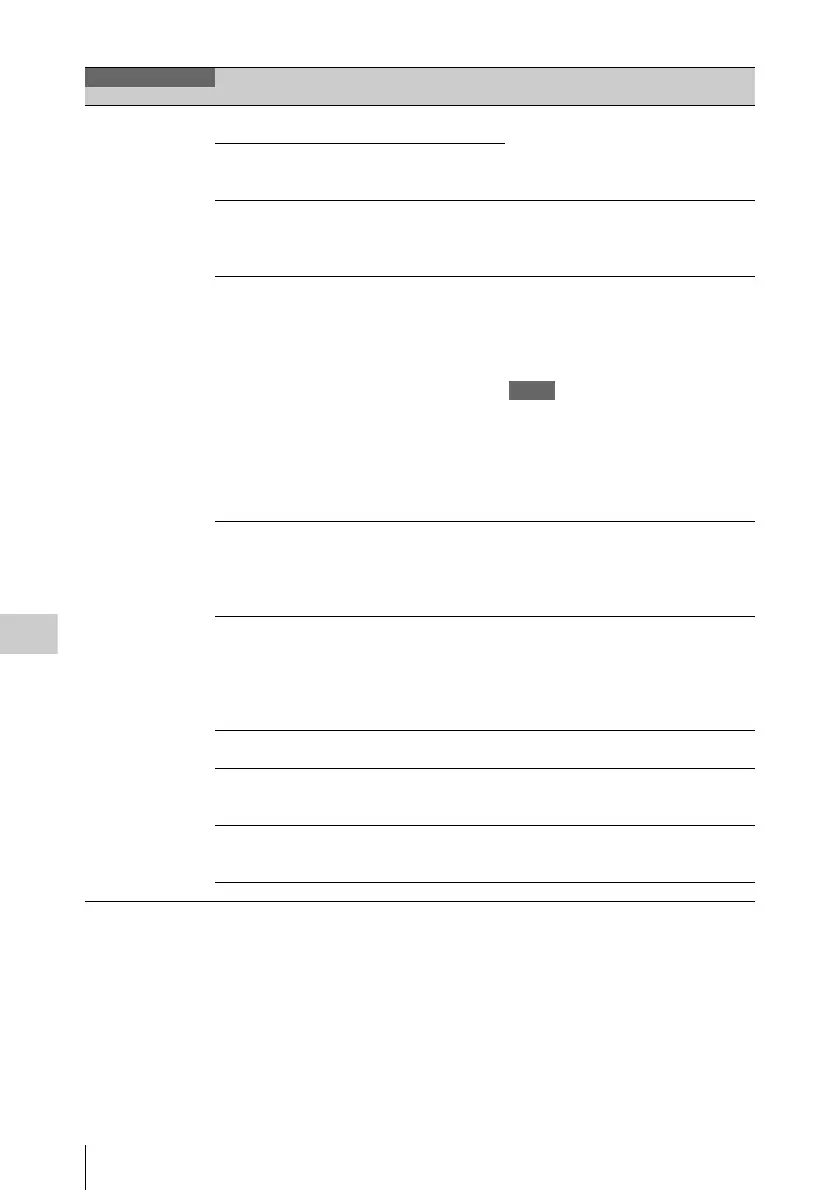
Input/Output
Makes settings
related to I/O signals.
In FAT mode
Output& i.LINK
HD&HDV/SD&HDV/
SD&DV
Selects the signals output from the
video connectors and the i.LINK (HDV/
DV) connector.
When the HD/SD setting is SD,
“SD&DV” or “SD” is selected.
In UDF mode
Output
HD/SD
23.98P Output PsF/Pull Down When the video format is HQ 1920/
23.98P or HQ 1440/23.98P, selects
whether to use progressive output (PsF)
or pulldown output (Pull Down).
Source Select
a)
Camera/i.LINK
/External
Selects whether to use the camera
picture (Camera), the i.LINK input (in
FAT mode only) or the SDI/composite
input (External) as the video input
source.
Notes
• When Rec Source is assigned to the
ASSIGN. 2 switch, this setting is
disabled.
• Changing the setting of File System
>UDF/FAT resets this item to
[Camera] (factory default setting).
Ext Video Source
a)
HD SDI/SD SDI/
Composite
Selects the external input signal.
HD-SDI: HDSDI signals (in HD mode
only)
SD-SDI: SDSDI signals
Composite: Composite signals
i.LINK I/O Enable/Disable Selects whether to enable or disable
input and output of signals via the
i.LINK (HDV/DV) connector.
When Enable is selected, you can
execute auto black balance adjustment
during i.LINK output.
SDI Output On/Off Turns on or off the output of signals
from the HD/SD SDI OUT connector.
SDI Out Super On/Off Turns on or off the superimposition of
text information on the output of the
HD/SD SDI OUT connector
Video Out Super On/Off Turns on or off the superimposition of
text information on the output of the
VIDEO OUT connector.
Live & Play On/Off Turns Live & Play function on or off.
OPERATION
Menu items Sub-item Settings Description



 To Next Page