Setting Shot Data
63
Chapter 3 Adjustments and Settings
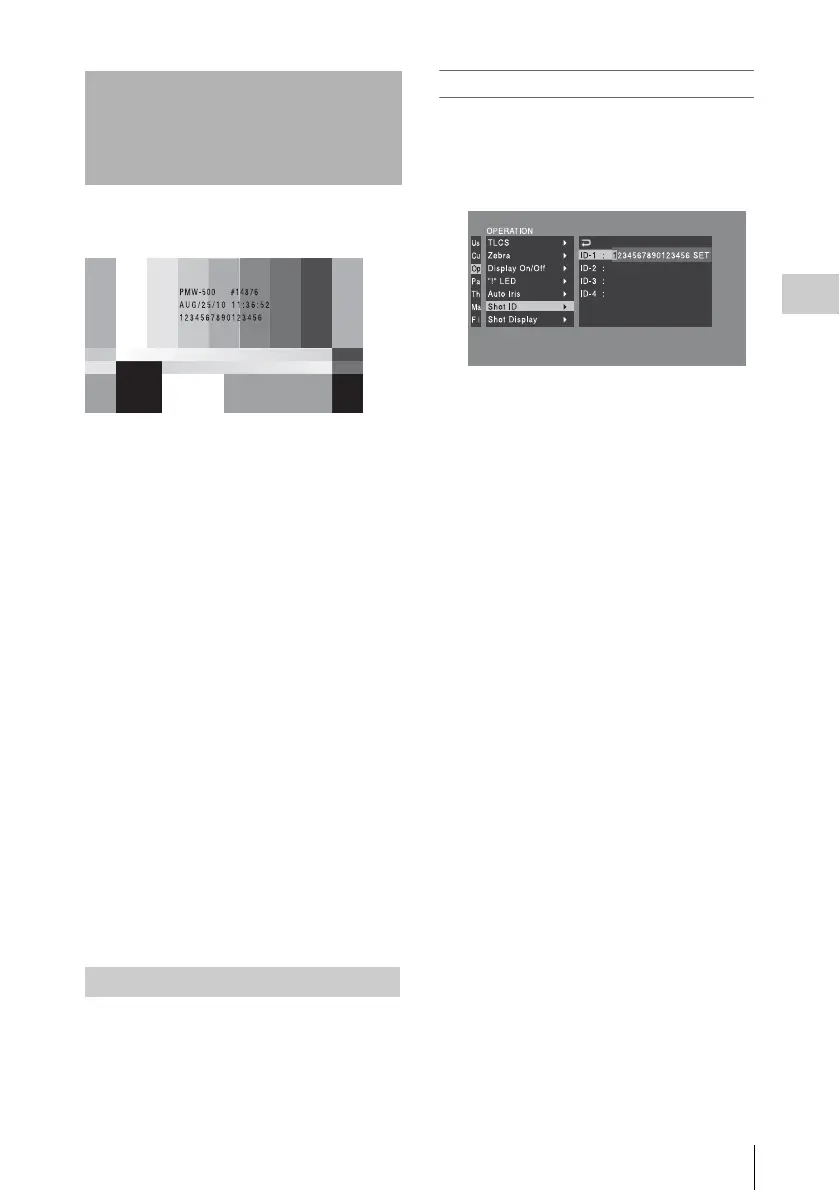
While color bars are output, shot data can be
displayed.
You can select which shot data is superimposed
on the color bars with OPEARTION >Shot
Display in the setup menu.
Shot Date
To superimpose the shot date, turn the MENU
knob to set Shot Date to [On] and press the knob.
Shot Time
To superimpose the shot time, turn the MENU
knob to set Shot Time to [On] and press the knob.
Shot Model Name
To superimpose the model name, turn the MENU
knob to set Shot Model Name to [On] and press
the knob.
Shot Serial Number
To superimpose the serial number, turn the
MENU knob to set Shot Serial Number to [On]
and press the knob.
Shot ID Select
To superimpose a shot ID created arbitrarily, turn
the MENU knob to set Shot ID Select to one of
[ID-1] to [ID-4] and press the knob.
To create a shot ID, see the next sexton “Creating
a Shot ID”.
Up to four shot IDs of up to 16 characters can be
created.
To create a shot ID
1 With OPEARTION >Shot ID in the
setup menu, turn the MENU knob to
select a shot ID to create (ID-1 to ID-4)
and press the knob.
The shot ID setting screen appears.
2 Follow the procedure in “To enter text ”
(page 108) to create a shot ID.
Setting Shot Data
Creating a Shot ID
Example display of shot data



 To Next Page