Thumbnail Operations
95
Chapter 5 Clip Operations
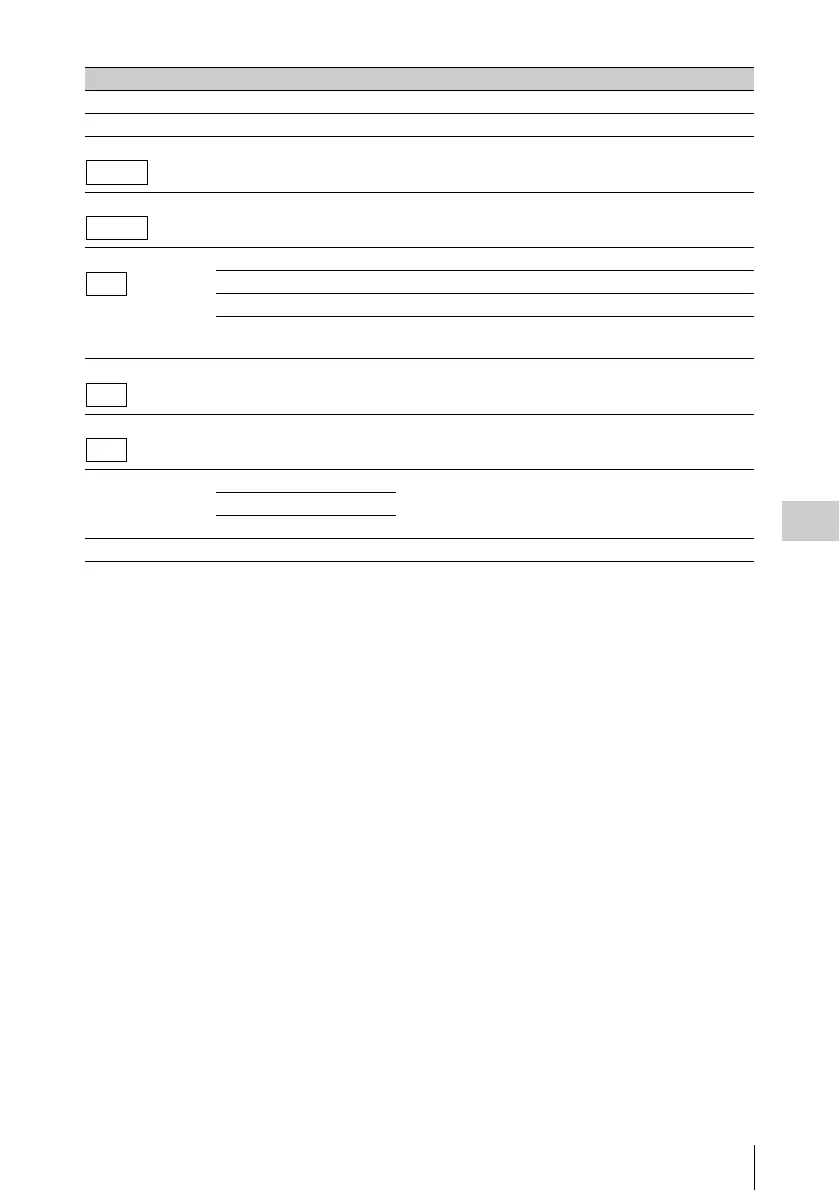
Copy Clip — Copies a clip (see page 100).
Delete Clip — Deletes a clip (see page 101).
Divide Clip — Divides a clip (see page 104).
Filter Clips — Displays the OK clip thumbnail screen (see page 96).
Filter Clips OK Displays the OK clip thumbnail screen.
NG Displays the NG clip thumbnail screen.
KP(Keep) Displays the KP clip thumbnail screen.
None Displays the None clip (clip which have been marked with
an OK, NG, or KP mark) thumbnail screen.
Lock All Clips — Protects all clips displayed.
Unlock All Clips — Cancels protection of all clips displayed.
Copy All All Clips Batch copies groups of clips/files (see page 101).
General Files
All Clips & General Files
Delete All Clips Execute/Cancel Deletes all unprotected clips (see page 101).
Menu items Sub-items Description
FAT-HD
FAT-HD
UDF
UDF
UDF



 To Next Page